Displaying Namespace
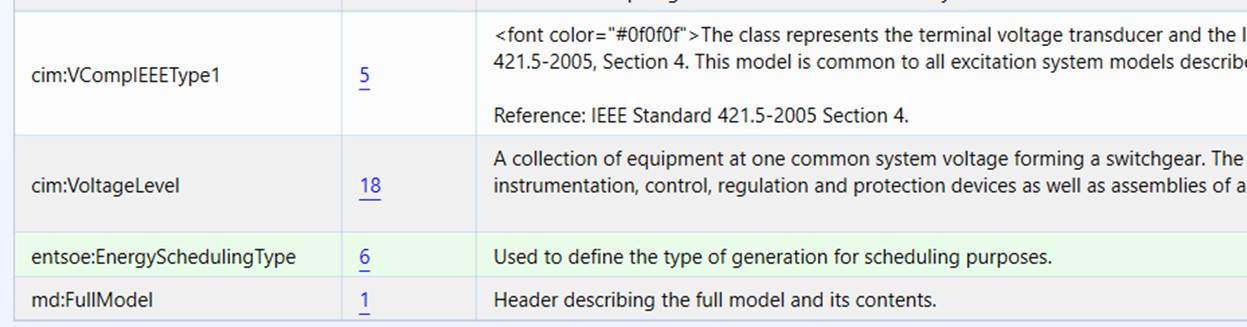
Namespace display is helpful when your model includes various extensions. It is essential if you are using the namespace to trace the source of the data.
By default, the Tool doesn’t display namespace. Users, however, can turn on namespace display by clicking the command icon at the header of the display, as illustrated below.
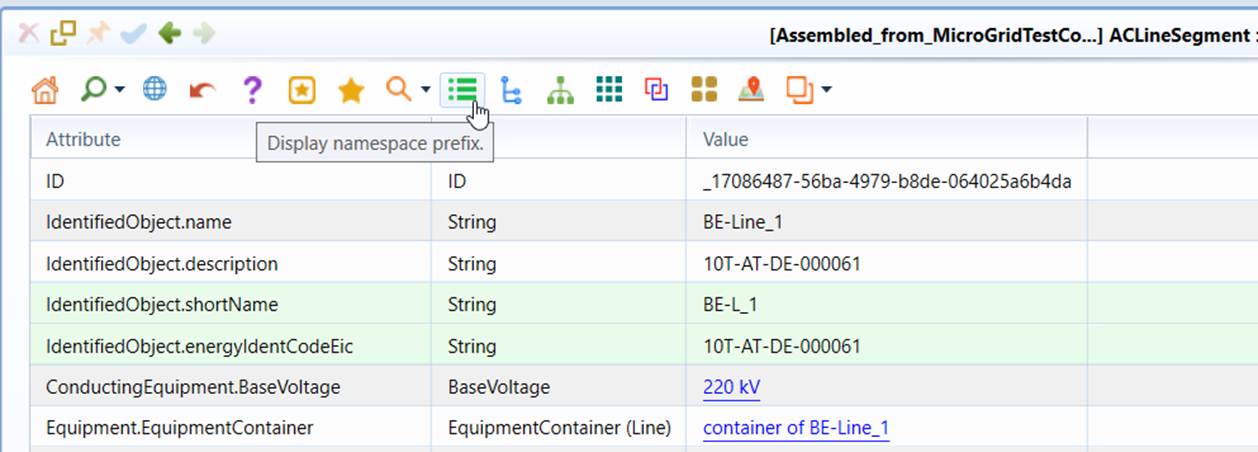
After user click the namespace display icon, the corresponding model view will be refreshed, showing the namespace prefix for each class/property, as illustrated below.
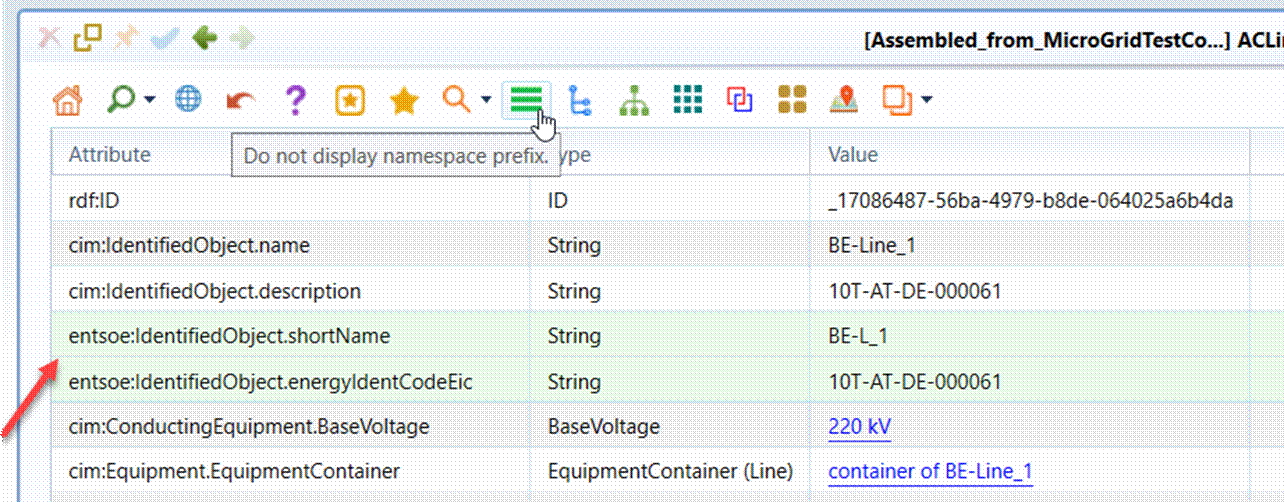
Note this feature is not available for Tabular Display due to the fact that the Tabular Display uses short names to name the property columns.
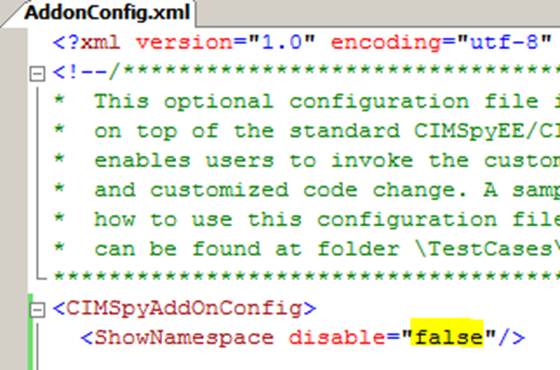
Namespace display is only needed occasionally. If users prefer to always display namespaces, the default not-showing-namespace should be changed by enabling the namespace display in AddonConfig.xml under folder \config\ui, as illustrated below. Once the disable attribute is set to ‘false’, namespace prefix will be shown by default.