Making Model Changes
After a draft version is created and loaded into work space, users can make model changes by using the editing features of the tool.
To edit a model, make sure that Edit box is checked.
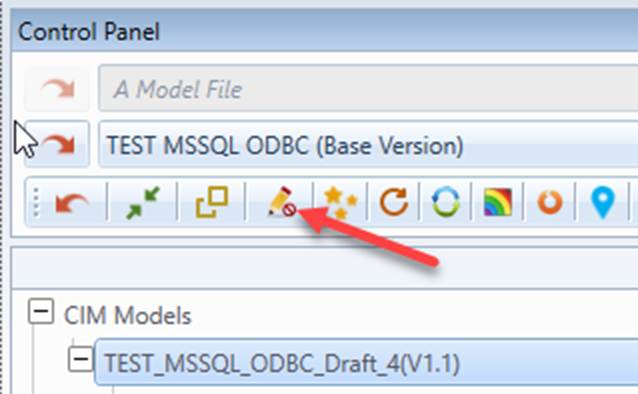
The Tool provides users with two powerful model editors: object-based data editor and graphical model editor.
- Object-based data editor provides full support for editing model at object level. Users can make arbitrary model changes in object Form display and Tabular display. Users can also add objects, delete objects, and edit object associations. Users can also use the advanced features such as deep-copy or cascading-deletion to speed-up the model maintenance.
- Graphical model editor is an advanced modeling application designed to assist users to build and maintain the CIM-based power system models. Based on reality, the graphical application enables users to interactively and intuitively perform complicated modeling tasks in a What-You-See-Is-What-You-Get (WYSIWYG) style. Additionally, it provides some advanced features, enabling users to rapidly perform the model maintenance work by using the existing models as templates.
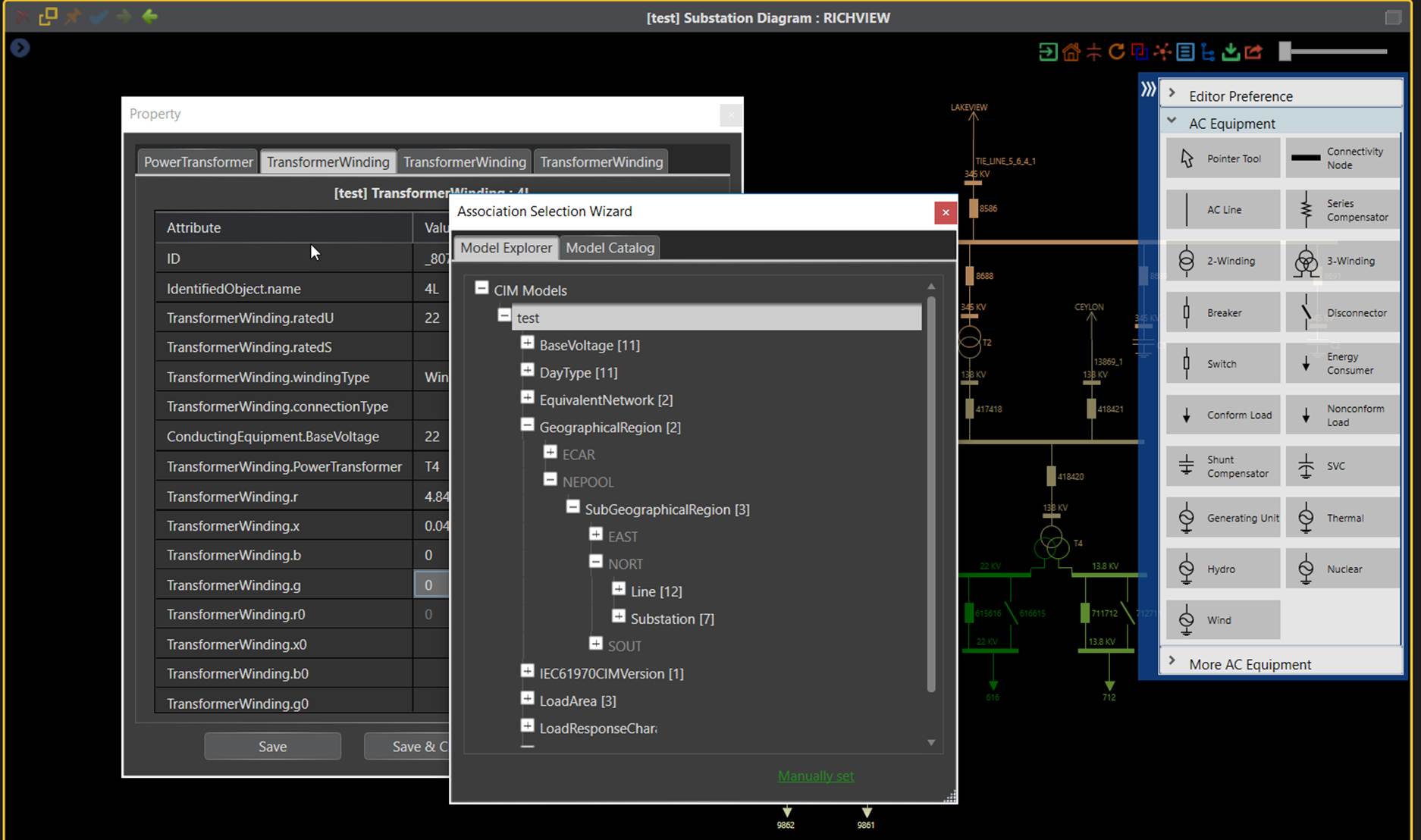
In addition to making model changes from editors, the Tool also supports importing model changes from external incremental models.
Next Step
Any changes made before submitted are pending. Users have the authority to manage these changes.