Interactive Power Flow
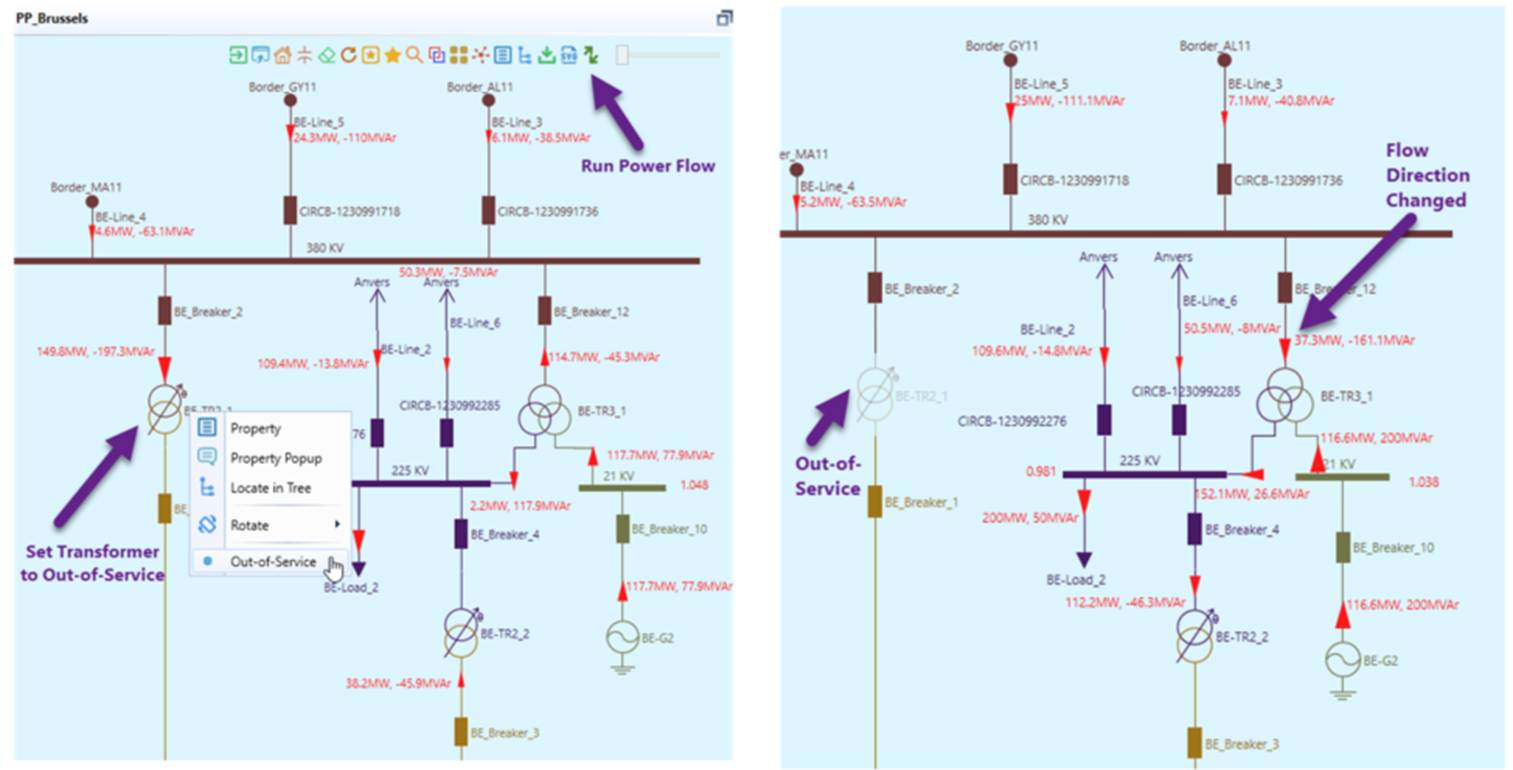
This feature is designed to enable users to run power flow and update the model (i.e. Run and Update option) in an interactive mode. Users can graphically open/close switches, change the in-service/out-of-service status of equipment/bus/substation..., and then run power flow to simulate/visualize various what-if scenarios interactively and intuitively. The following describes a what-if case where a transformer is put out-of-service for maintenance. The simulation shows that flow patterns have changed after this scheduled outage.
Hands-On (Required)
Take Hands-on Lab 5 from Power Flow Tutorial.
Supported Activities
The supported what-if activities cover almost any possible graphical modeling activities supported by the tool. More specifically, users can
- Open/close switch status;
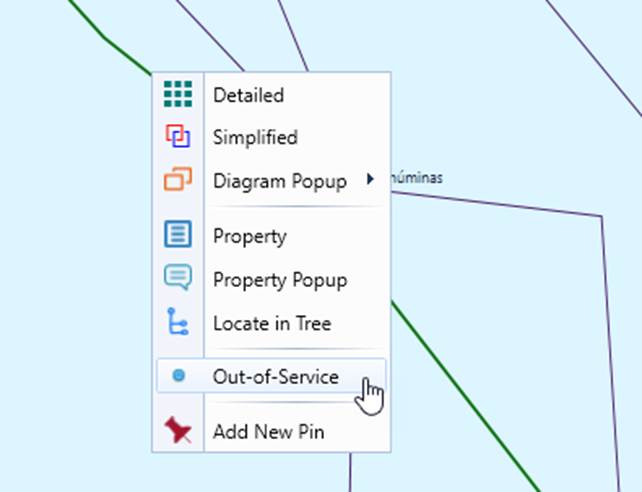
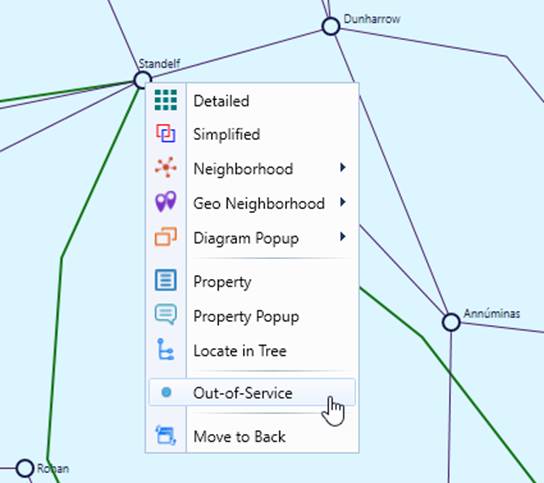
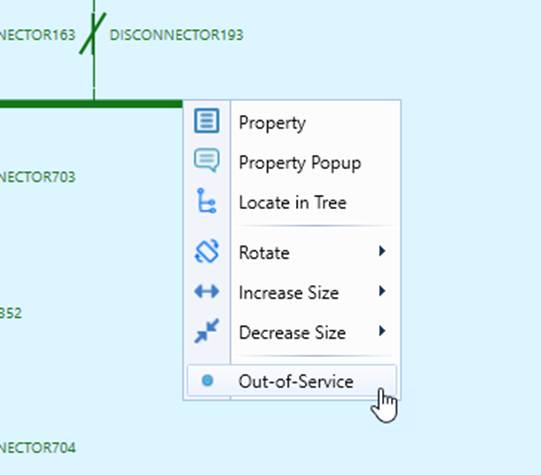
- Change the in-service/out-of-service status of equipment/bus/substation;
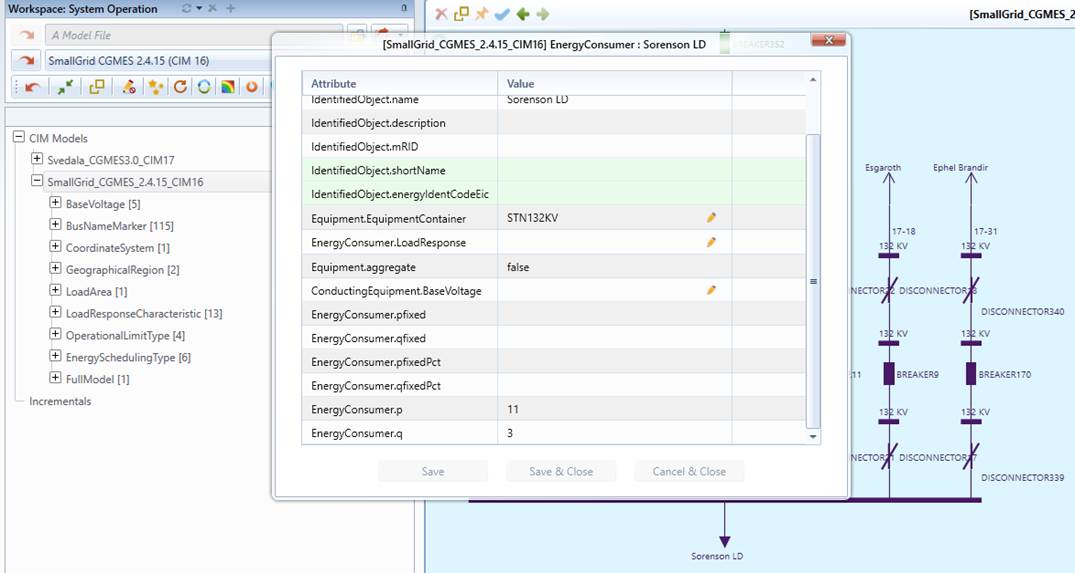
- Change the power flow input (i.e. SSH), such as generator/load input, regulation control status, etc.
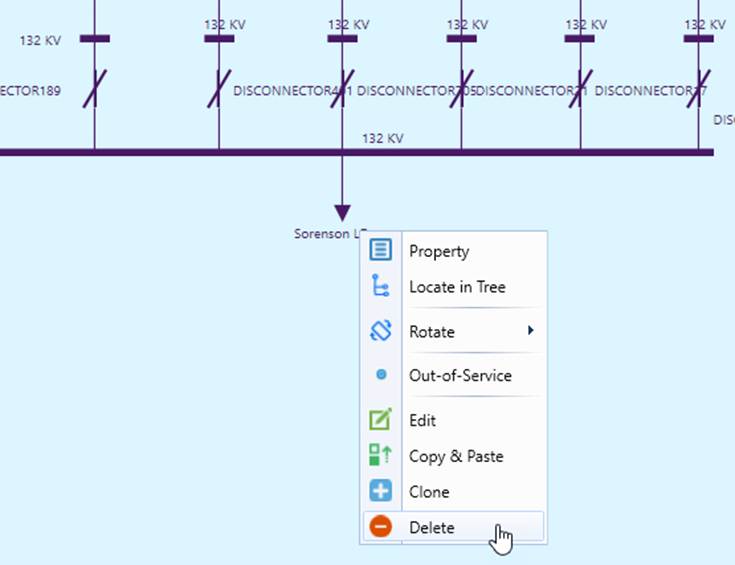
- Change the network configuration, such as decommissioning a generator, adding a load, reconnecting a transformer…
- Change equipment parameters, such as line parameter, generator operational constraints …
- Merging the models;
- ….
The following illustrate some of the supported what-if activities.
Note
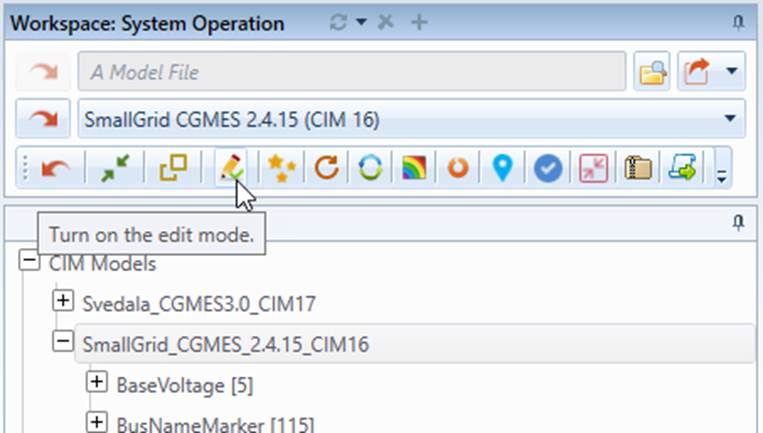
Most of the above modeling activities require the editing mode to be enabled, as illustrated below.