Dynamic Model Diagram
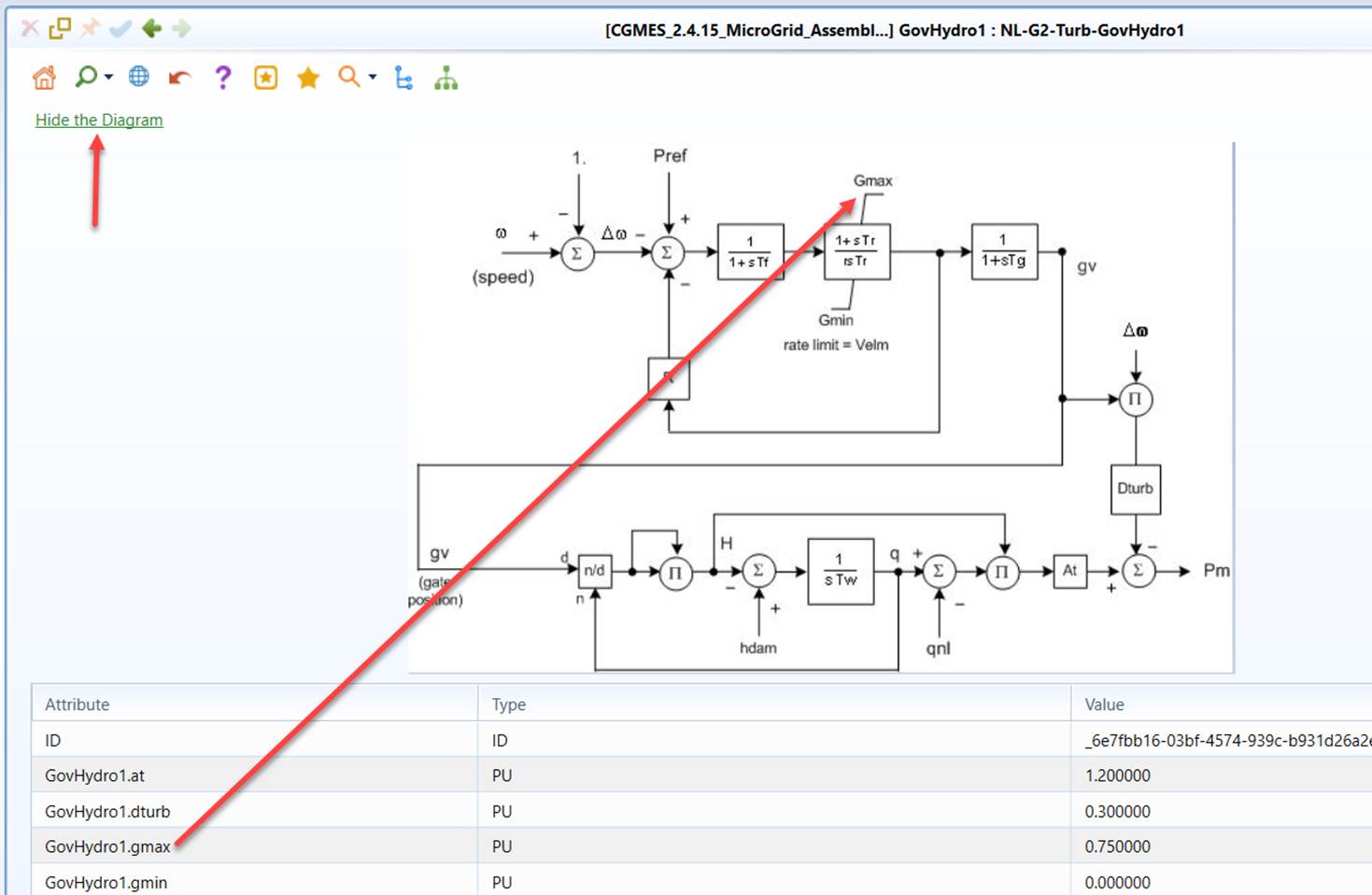
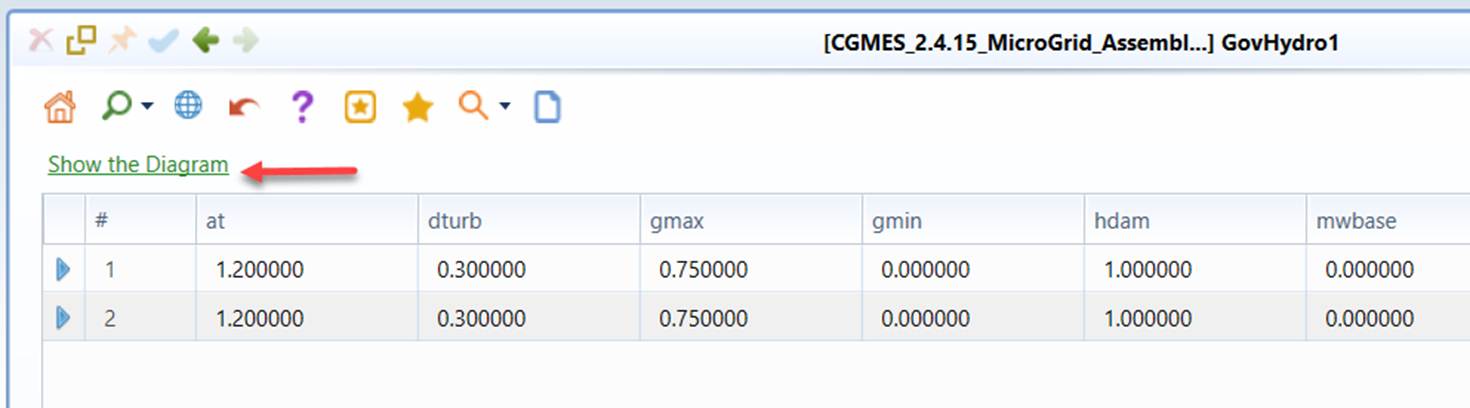
The Dynamic profile defines a set of standard dynamic models in support of power system dynamic study. These standard dynamic models are normally described with control block diagrams. To facilitate the interpretation of the standard dynamic models, the Tool displays these control block diagrams along with the instances. When users call a Form or a Tabular display for a standard dynamic model, the corresponding control block diagram can be displayed on the top of the form by clicking ‘Show the Diagram’ hyperlink, as illustrated in the following screenshot. Users can also hide the diagram by clicking “Hide the Diagram” hyperlink.