Tracking and Managing Model Changes
Any changes made before submitted are pending. Users have the authority to manage these changes.
Tracking Final Changes in Modeler UI
In work space, model changes are automatically tracked by the creation of an in-memory CIM incremental model. The incremental model will be displayed in the navigation tree when the first model change is detected. The incremental change can also be exported as an incremental CIM/XML file. It is important to note that the tracked model changes reflect the difference between the current status and the initial status. So if you add a modeling entity and later delete it before submitting the model changes, then no model changes will be logged.
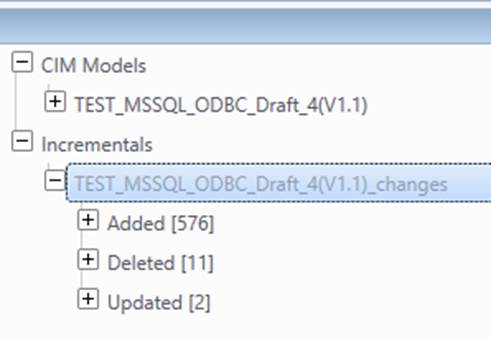
Any model changes are immediately stored. Tracking changes in Modelspace is necessary to avoid loss of changes, facilitate model building, and record model evolutions. These tracked pending changes are currently saved in the same Modelspace as submitted changes, but they could be stored in different Modelspace in the future release. This allows the model maintenance to be performed in a separate modeling environment.
Track Pending Changes (Modeling Activities) in the Modelspace
Pending changes are automatically tracked into Modelspace without users’ awareness.
- Pending changes from model editing activity.
Unlike the model changes tracked in modeler UI, which tracks the difference between the edited model and the original one, each confirmed editing activity introduces a new pending change. For example, if a new CIM object is added and later deleted, two pending changes are created. In other words, the pending changes stored in the Modelspace are actually activity loggings.
- Pending changes from imported CIM incremental Model.
When an external incremental model is applied to a full base model, pending changes are auto-generated based on incremental change items.
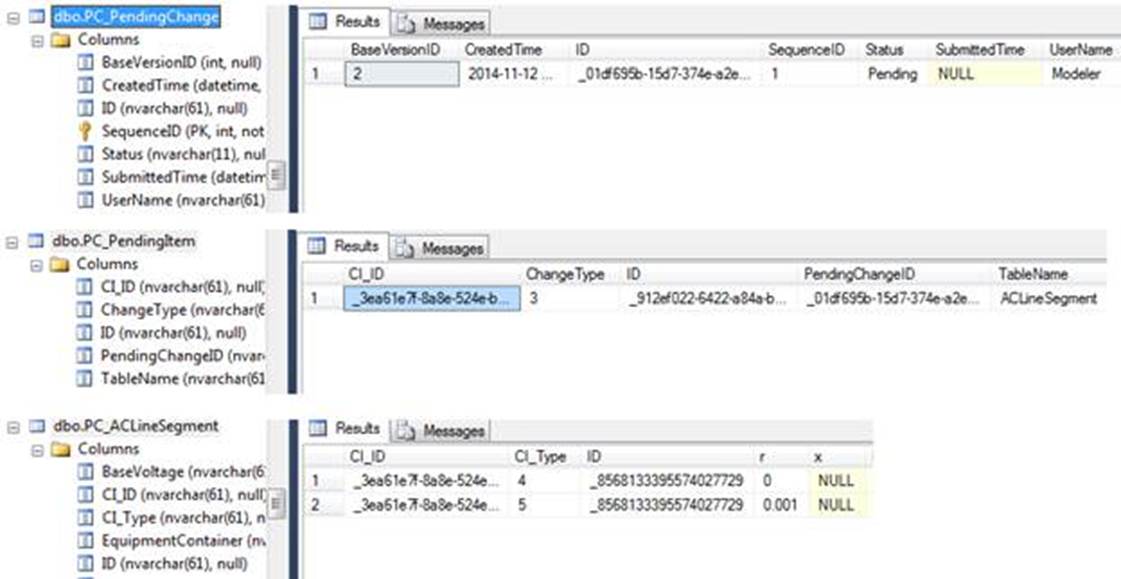
Pending changes are kept in the pending change table family. For example, a change of r value for an ACLineSegment results in the update of three pending change tables as illustrated below.
Delete Pending Changes
Pending changes are not permanent; they may be or may not be submitted. Pending changes not intended to be submitted can be permanently removed from Modelsapce in two ways:
- Delete from Model Admin page.
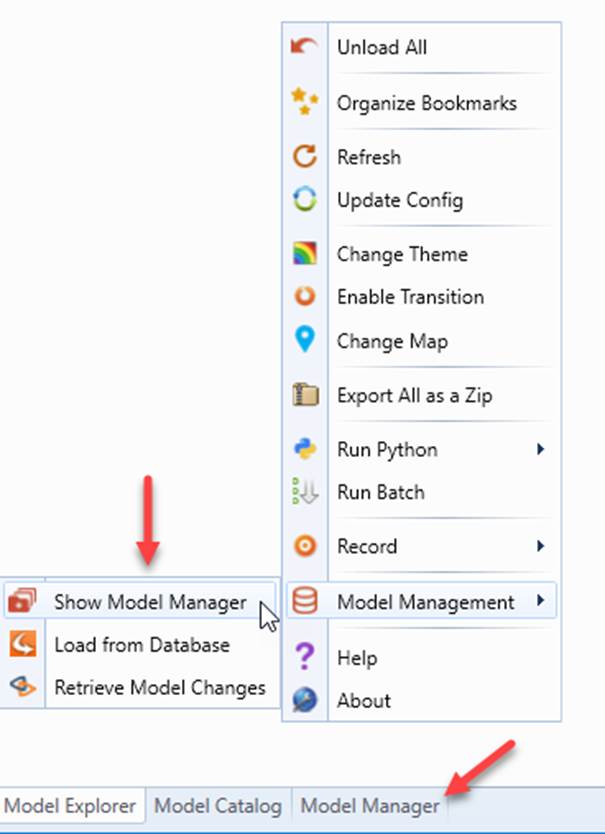
- Navigate to Model Admin Page.
- Right click the draft version and select Delete All Pending Changes from the context menu.
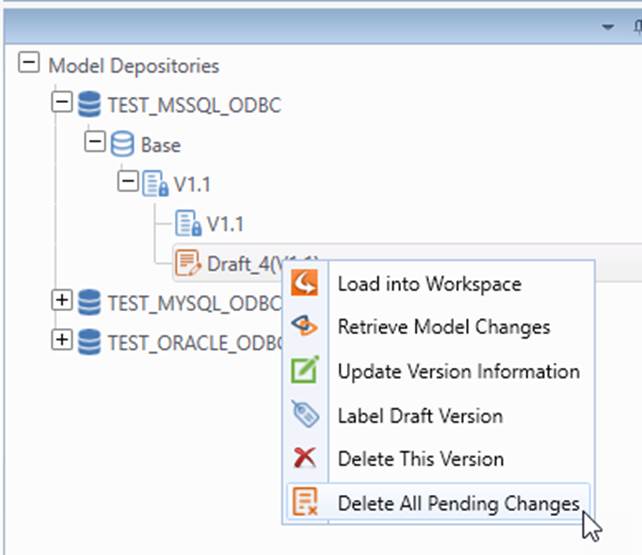
- Verify that all pending changes are deleted by loading the draft version into workspace if not already loaded.
- Remove when the draft version is labeled.
If pending changes are detected when users are labeling a draft version, a popup message will be displayed.
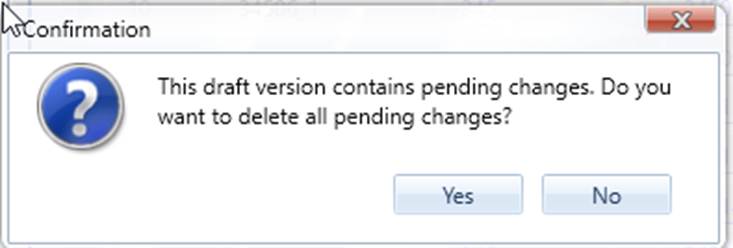
Users can click OK to continue. By doing that, all pending changes are removed automatically before version is labeled. Users can also click Cancel to stop labeling.
Restoring the Modeling Environment
Pending changes persist all of the modeling activities in a modeling environment. Sometimes, modeling work may be interrupted due to modeling server shut down, either accidentally or on purpose. Although changes are not exported or submitted in time, users can always recover to the last state by loading the draft version with pending changes.
Next Step
Pending changes should be submitted to become permanent. This should be typically performed when a certain modeling activity is accomplished. In CIM terminology, a Project has been created. This typically corresponds to a sequence of model changes that reflect a structure change of the grid, such as adding a transmission line between two substations. the submitted changes or Projects are building blocks of a model version.
Limitations
In this release, the Tool does not support deleting individual pending changes.