Enforcing Modeling Constraints
The graphical model editor enforces the modeling constraints and ensures that all modeling activities follow the common power system modeling rules. In response to users’ modeling activities, the application detects any violations that could result in invalid network topological models and alert users for potential modeling errors.
In general, the detected incidents are classified into two categories:
- Warnings: These are unusual modeling practices, not exactly modeling errors. For example, substations are normally connected by transmission lines. If users connect a switching device or a transformer between two substations, users shall be warned of these unusual modeling practices. Similarly, switching devices normally connect two ConnectivityNodes of the same voltage level. If users connect a switching device between two ConnectivityNodes of different voltage levels, they shall be warned. But the Tool still permits these kinds of modeling activities to proceed once users confirm such unusual modeling practices. These kinds of modeling activities are unusual, but they exist in a reality-based model for one reason or another. For example, users may want to intentionally model one physical substation jointly owned by two utilities as two logical substations connected by a transformer or a switching device. The following screenshots demonstrates how the Tool responds to such a modeling activity.
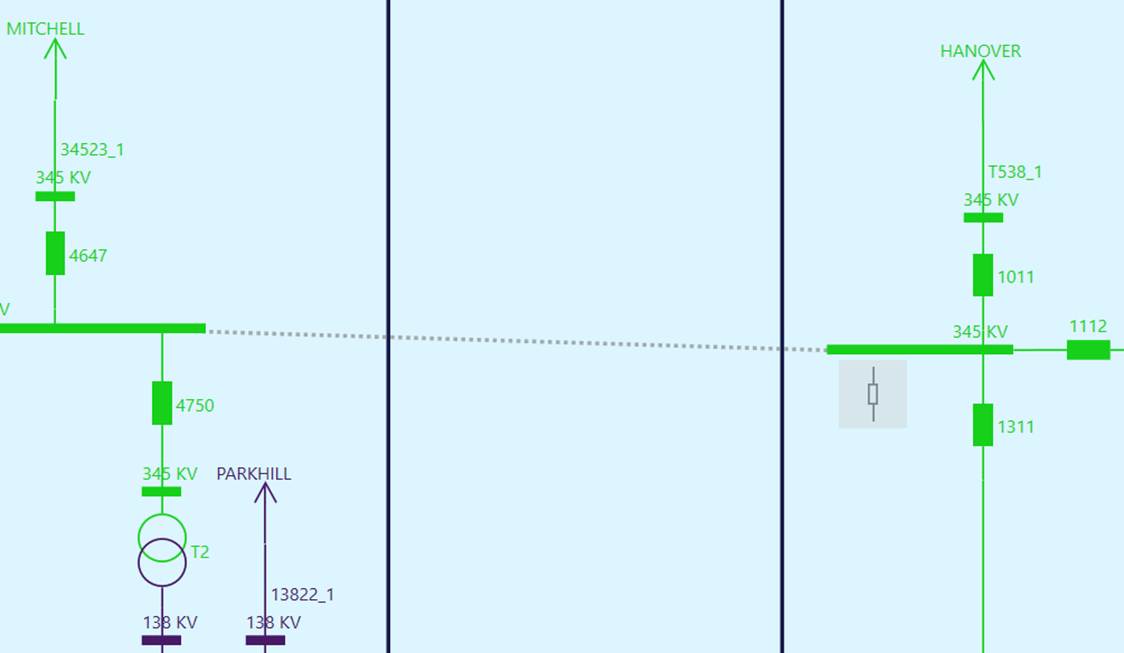
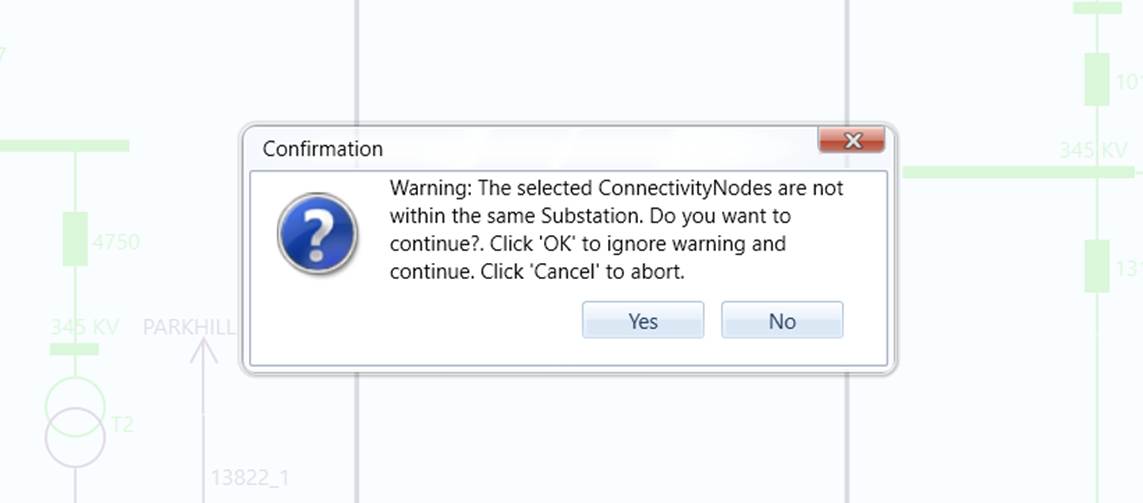
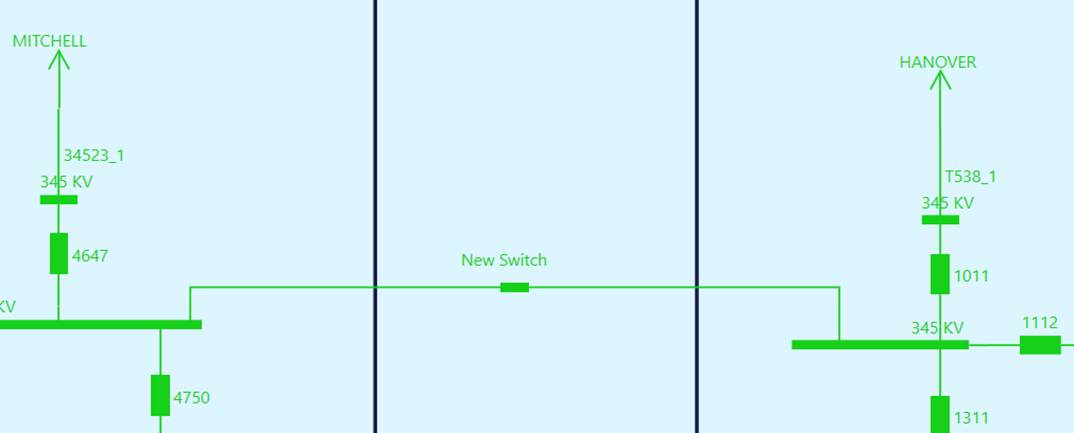
- Errors: These modeling activities will result in an invalid network model, thus forbidden in the graphical model editor. The Tool typically restricts users from making such a mistake from the beginning. For example, users wouldn’t be allowed to connect the two ends of multi-terminal equipment to the same ConnectivityNode. A ConnectivityNode with equipment connected are undeletable, etc. However, in a multi-user environment, the modeling errors may be inevitable. For example, one user tries to connect equipment to a ConnectivityNode that have been deleted by another concurrent user. In such a case, an error message will be issued and the corresponding modeling activities will be aborted.
During each stage of the modeling activities, users shall run the model validation to detect any inconsistencies or violations or modeling rules resulting from the performed modeling activities. Users must keep in mind: the graphical model editor mainly enforces the network topological modeling rules and equipment containership. It doesn’t eliminate the modeling errors. Users can always introduce the modeling errors during editing of modeling entities. The model validation function performs more comprehensive data quality checking.