Reporting
Reports are generated to help users inspect changes at different levels.
Project Report
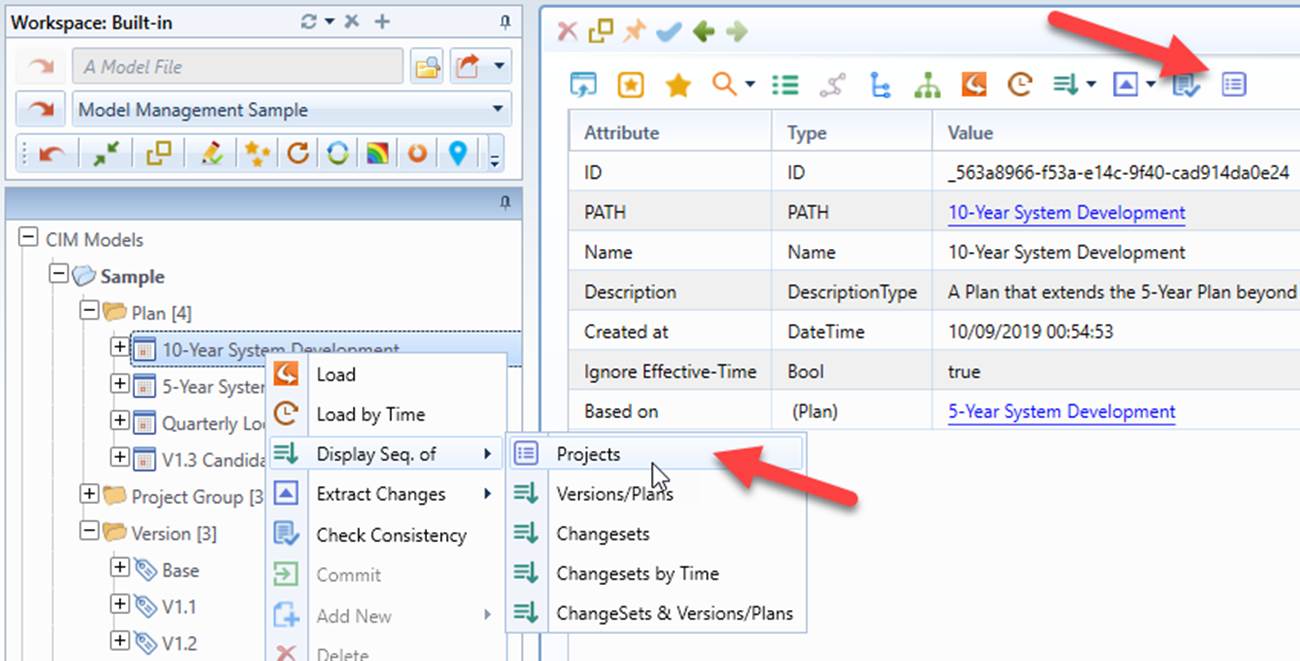
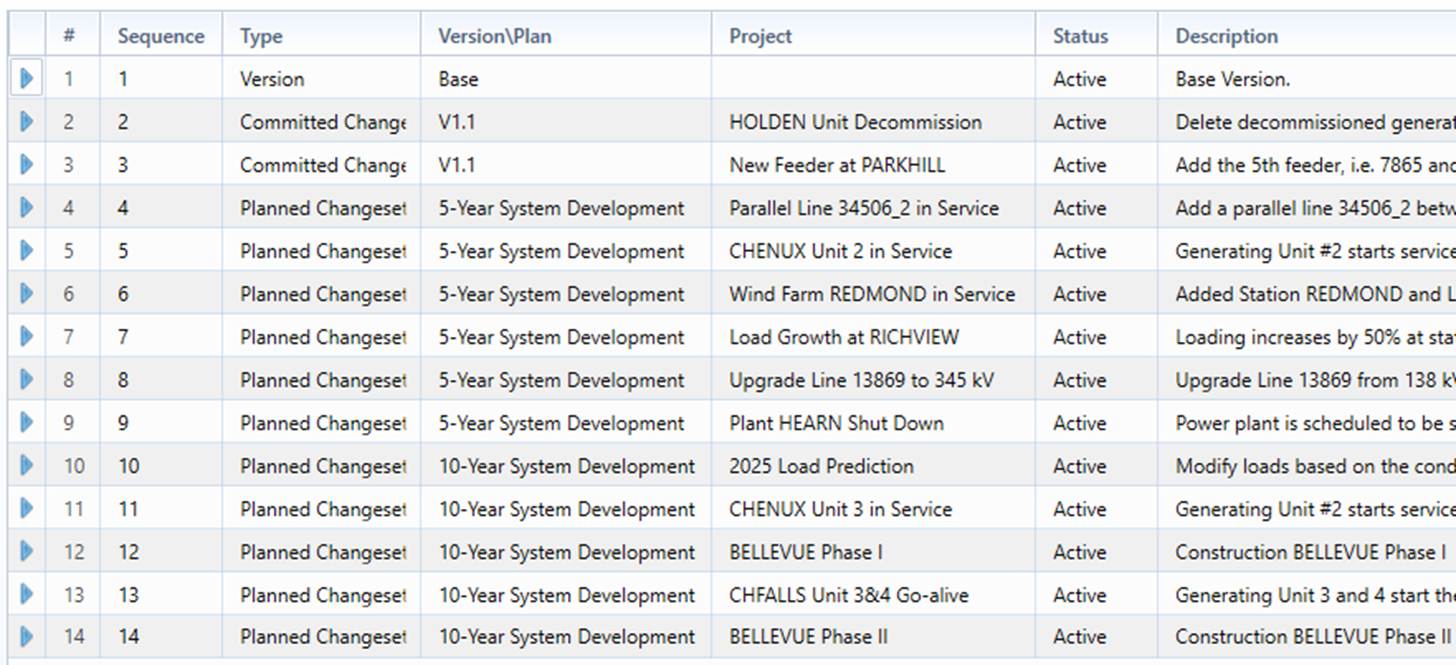
Project Report is used to display the detailed Project information for a selected Version/Plan, including change set sequence/chronological order, project name, effective-time, enable/disable status, and description etc.

Sequence Report
Sequence report is designed to display model evolution path at various levels for a selected Version/Plan/Change Set.
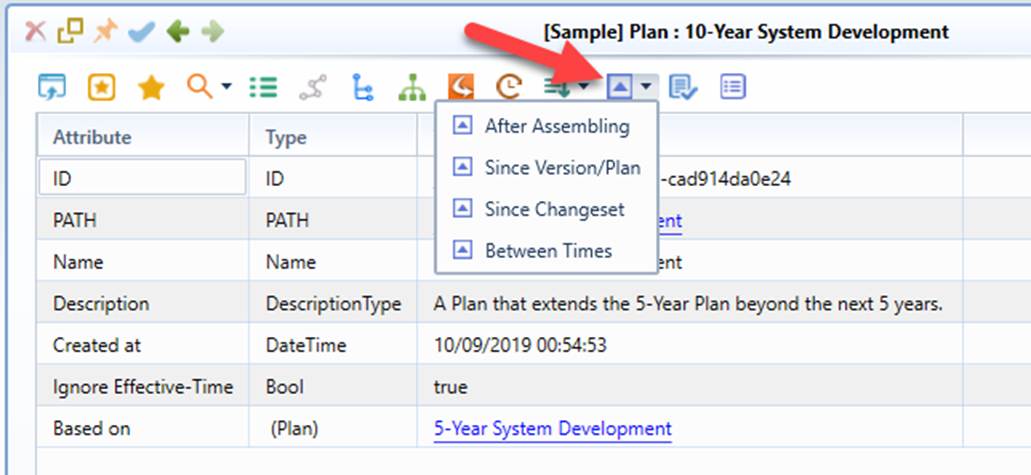
More specifically, the following sequence reports are supported:
- Versions/Plans: displaying model evolution path at Version/Plan level.
- Changesets: displaying model evolution path at Change Set level.
- Changesets by Time (applicable for time-based Plan only): displaying model evolution path till a specified date/time at Change Set level.
- Changesets & Version/Plan: displaying the model evolution path at Change Set level for the current Version/Plan and at Version/Plan level for the earlier Versions/Plans.