Exporting Schematic Diagrams
The Tool enables users to export any auto-generated and adjusted schematic diagrams, including Region Diagrams, Neighborhood Diagrams, Substation Diagrams, and Equipment Diagrams, as a CIM/XML file together with or separately from the underlying network model. The main reason for exporting auto-generated and adjusted schematic diagrams is for reuse or sharing, as described in the diagram sharing use case.
There are a few ways to export saved schematic diagrams as a CIM/XML file, each applying to a specific use case.
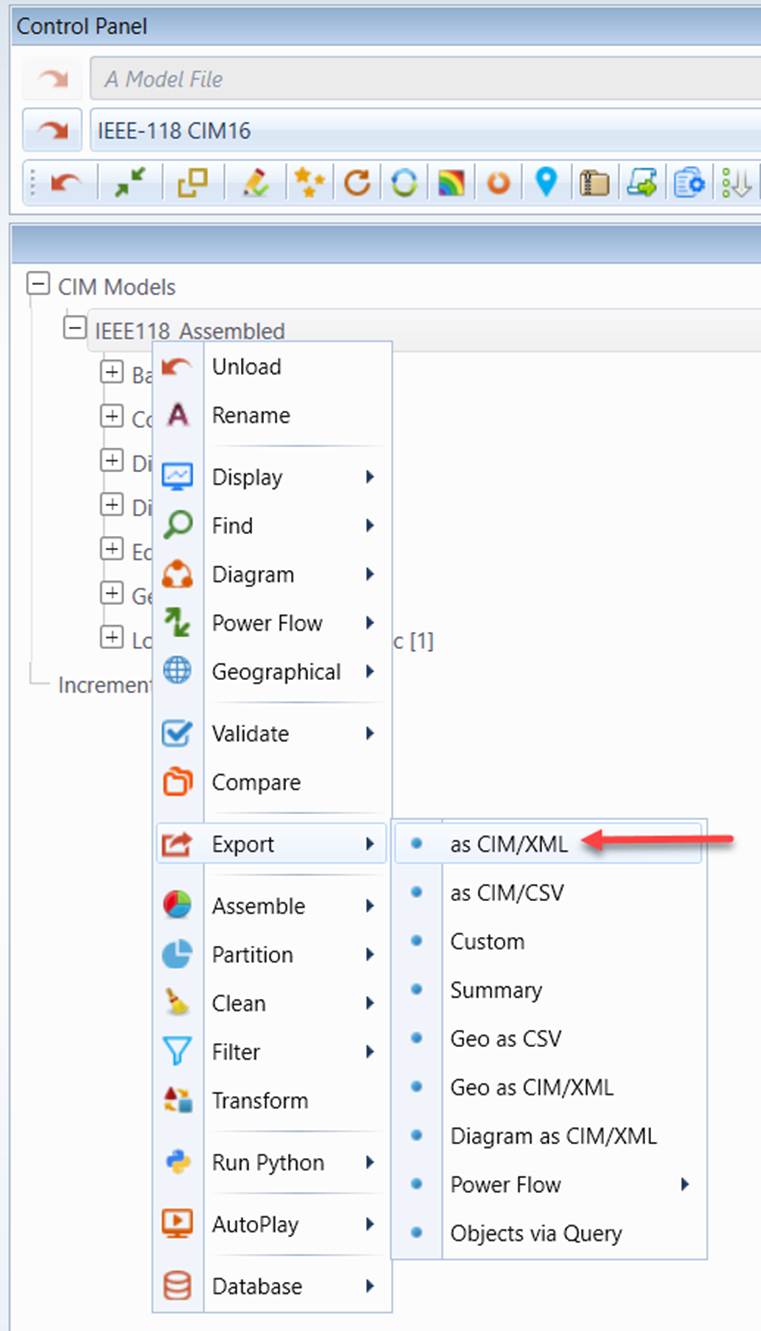
- Export the whole model including the saved diagrams as a single CIM/XML file. This is the normal use case where users are in the middle of building some custom diagrams. They want to keep a copy of the current status.
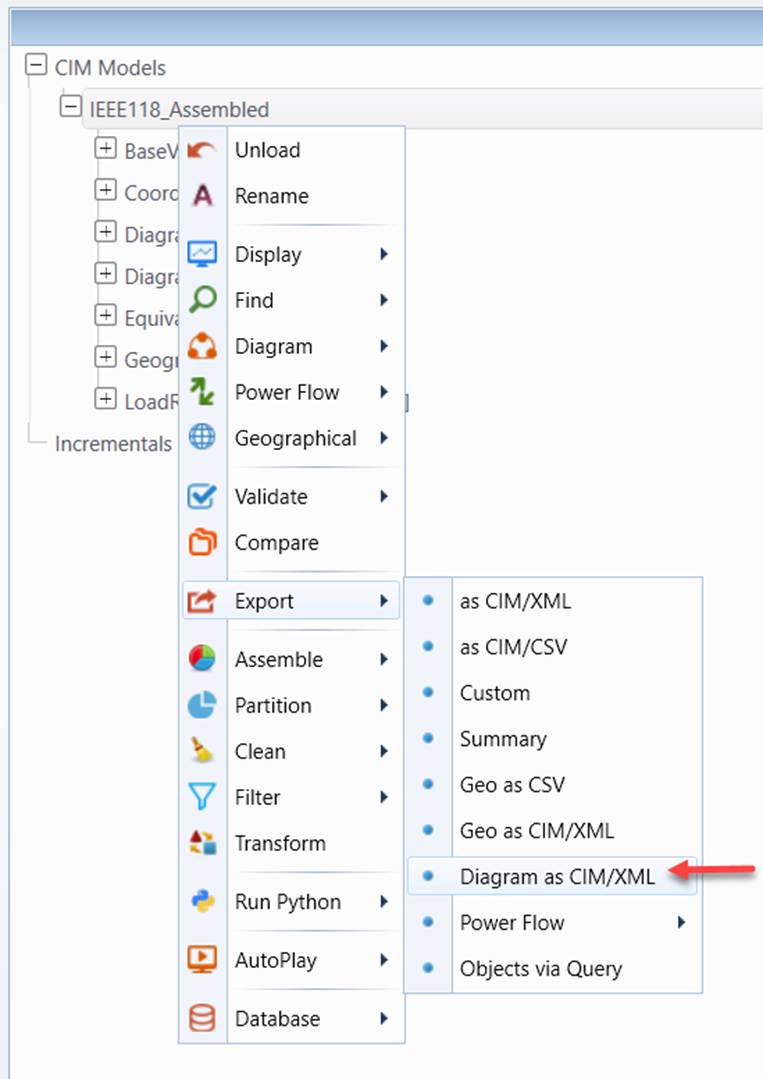
- Export all of the Diagrams, including the extended information, as a single CIM/XML file based on the CIM Diagram Profile. The extended diagram model contains all of the information needed to restore the full functions in the Tool. Typically users want to export a partial diagram model so that it can be used for a new version of the network model which may be maintained in a different modeling environment.
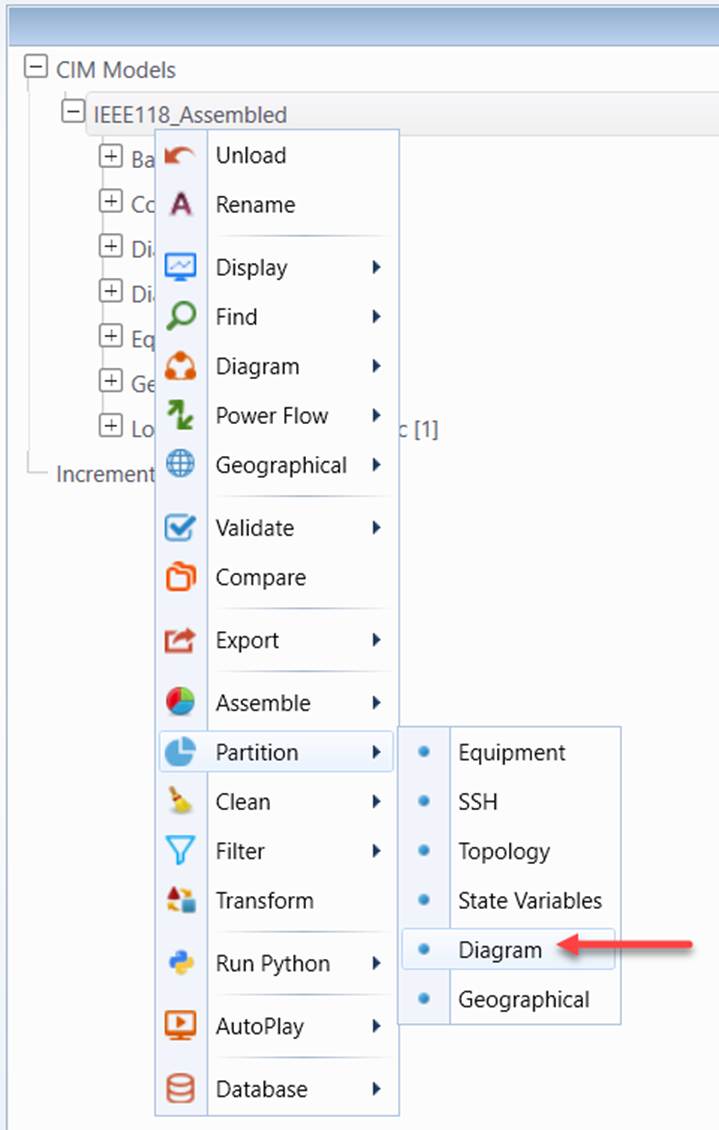
- Export all of the Diagrams as a single CIM/XML file purely based on the CIM Diagram Profile (only available for CIM16 models) through model partition. This is the case when users want to share the built diagrams with other applications. In this case, all of the extensions will be lost. Users will not be able to fully restore the saved diagrams in the Tool.
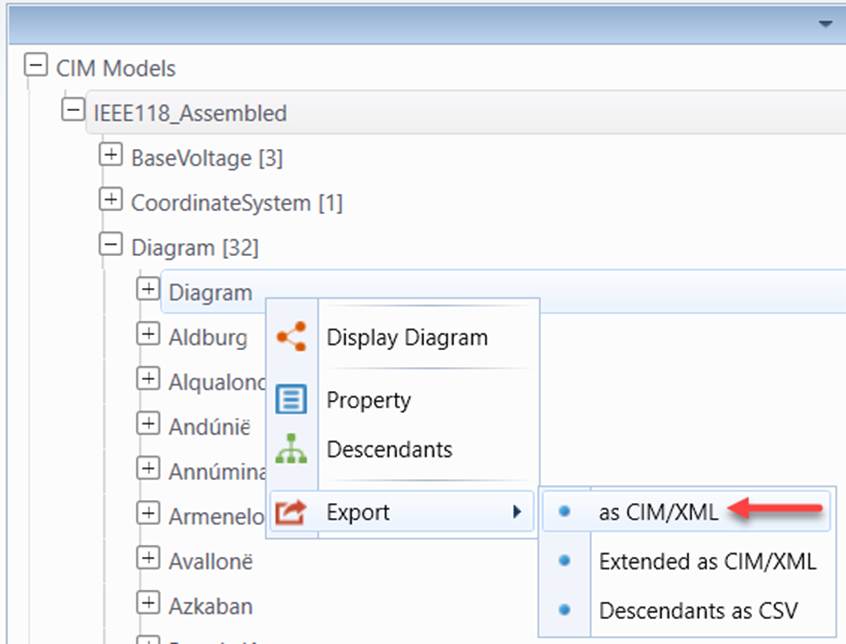
- Export a single Diagram through the partial model export function. This allows users to export a specific schematic diagram to a CIM/XML file.