Model Administration Rules & Restrictions
Model administration is complicated. The Tool simplifies model administration tasks by enforcing the following rules that restrict the Model Administration Meta-Model but conform to utility modeling processes:
- Only Plans that are based on the most recent Version (As-Built) can be converted to the next Version.
- A Plan must pass consistency checking before converting to a Plan.
- A Plan with expired Projects (end-time specified) can’t be converted to a Plan.
- Only the latest Version can be uncommitted (or converted back to Plan). The Base Version can’t be uncommitted.
- A Version can't be set as new Base if there is at least one Plan based on earlier Versions.
- Plan dependency loops are not allowed in any model evolution paths.
- A Project can only be edited in the context of a Plan.
- A Project can only appear once in any model evolution paths.
- Projects in a time-based Plan must be in chronological order based on effective-time.
- A valid model evolution must start at the base version.
- The disabled/expired Projects will be ignored during model assembling for model release, project editing...
- A committed Project is not editable.
- Only Unused Projects (not used in any Plans/Versions) can be deleted.
- Effective-time must be provided for each Project in a time-based Plan.
- Project/Plan name must be unique.
- The Project name must be a valid file name for file-based model depositories.
- The imported incremental model can only be submitted in the context of a Plan for a database model depository. This is accomplished by creating an empty Project in the Plan and then merging the imported incremental model into the full model used for editing the empty Project. This restriction is not applicable for file-based model depository. The imported incremental model with extensions can be submitted as a Project under the Unused Project Group.
- Three Project Groups are pre-defined: Unused, Planned, and Committed. Assignment of a Project to a Project Group is automatically performed as the role of the Project is changed.
- Projects shared by both Versions and Plans are assigned to the Committed Project Group and can’t be edited.
- Versions are not mutable. For example, sequences of Change Sets in a Version can’t be changed.
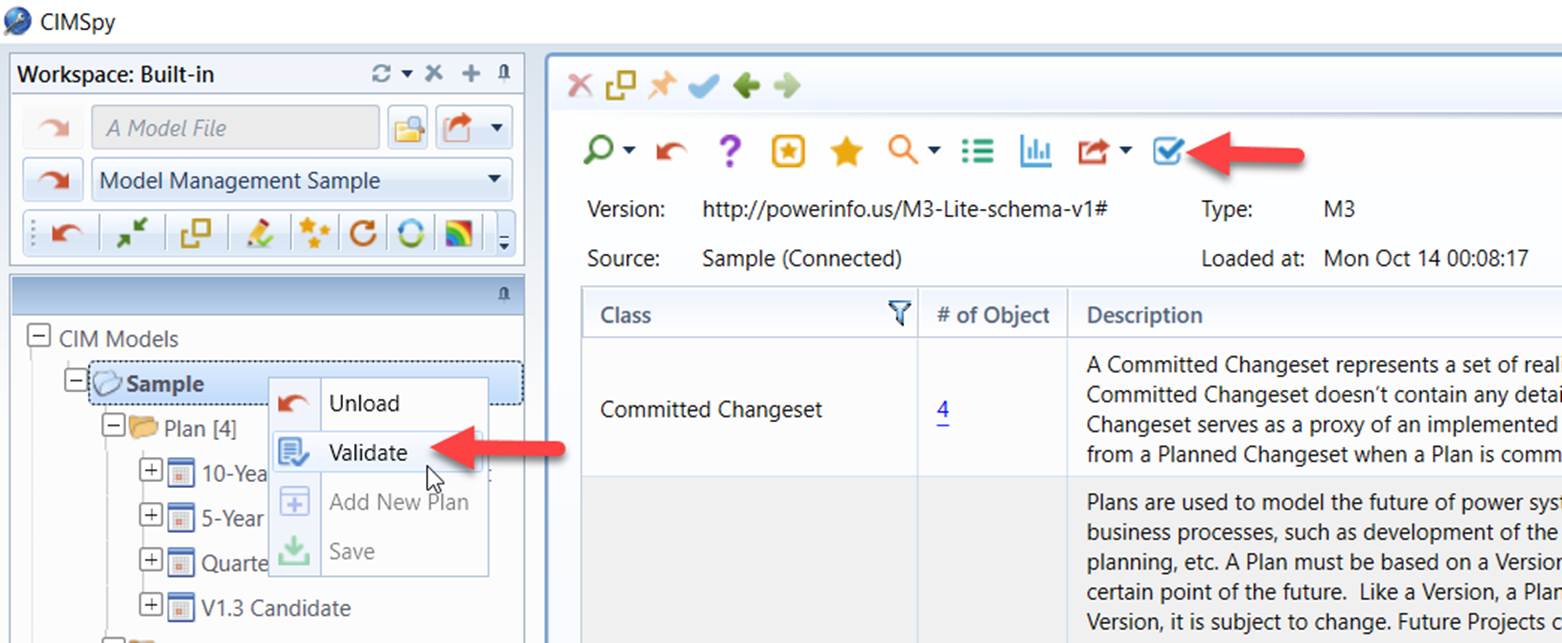
Some of above rules and restrictions are checked during validation of Model Administration Meta-Model, while others are task-specific and enforced during execution of the related model administration tasks.