Importing Models
The Tool enables users to import multiple CIM models in various formats at a high speed. Users can load the models from a local driver. Additionally, users can pre-configure a data source so that they can load the frequently-used models rapidly at one-button clicking. Once the models are successfully loaded, they are displayed in the navigation trees ready for browsing and other activities.
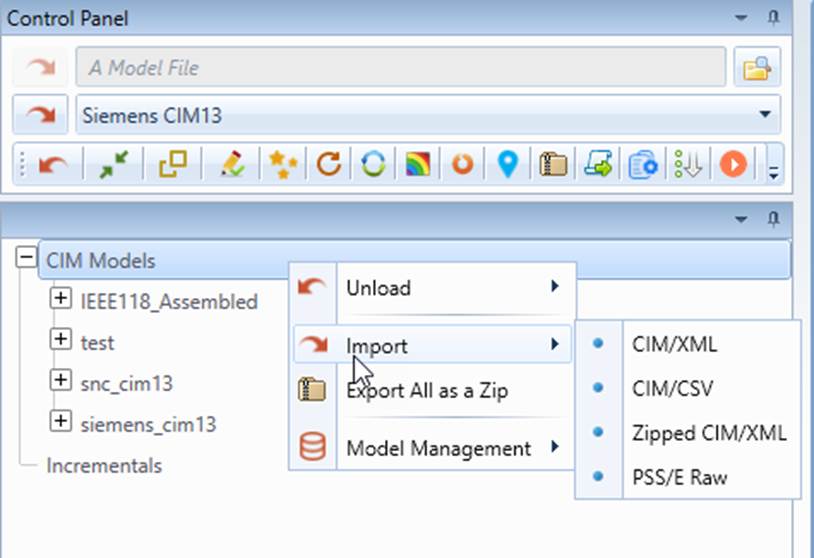
The Tool was designed to handle very large reality-based models. On a middle-end laptop/PC with 8 GB RAM, the Tool is capable of loading a CIM/XML files of 12 GB. If your model is larger than 12 GB, you can simply upgrade your RAM to 16 GB or above.
When users load a model from file browser, the Tool will memorize the file path and register it as one of the recently-loaded models (referred to as recent models). Later, users can quickly load the recent models from dropdown or via context menu, even the Tool is restarted.
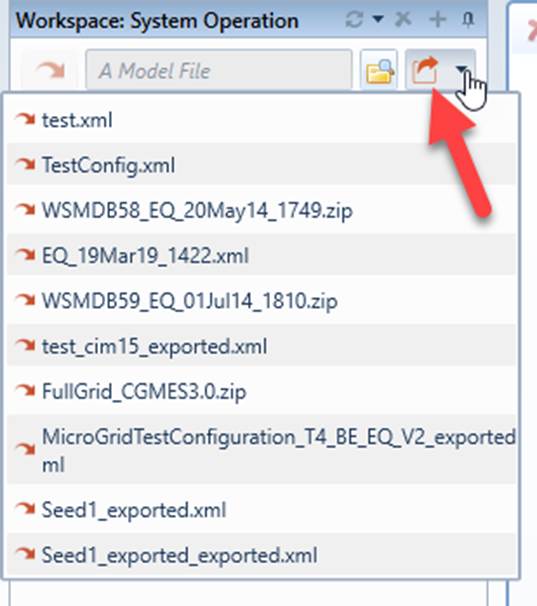
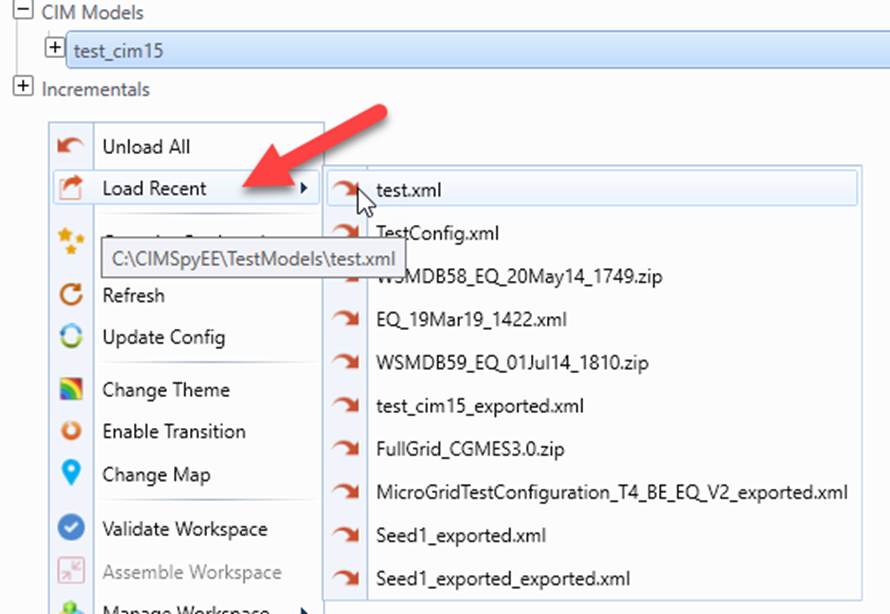
File paths of recently loaded models are stored in \config\ui\Recent.xml. To remove all of logged file paths, simply clear contents in Recent.xml.
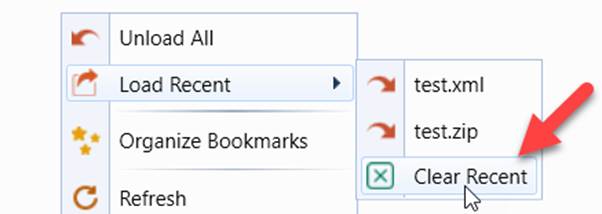
Note:
- Only models loaded from the file browser will be registered as recent models. Models loaded from the data source dropdown will not be registered as recent models.
- Any file formats (XML, CSV, ZIP, etc.) can be registered as recent models.
- The recent model list will be auto-updated.
- Up to 10 recent models are maintained.
- The most recent model will always be at the top.
- If the recent model registration is found to be invalid, it will be removed from the list.