Managing Version
Uncommitting Version
Once a Plan is committed and converted to a Version. The associated Projects can no longer be changed. These are the ‘approved’ model changes. If changes have to be made for the committed Projects, the Version must be uncommitted. Version uncommiting is basically ‘undo’ or’ rollback’ of Plan committing. However, only the latest or the most recent Version can be uncommitted. Once a Version is uncommitted, all of the Plan/Version dependencies and Project/Project Group assignments are automatically updated.
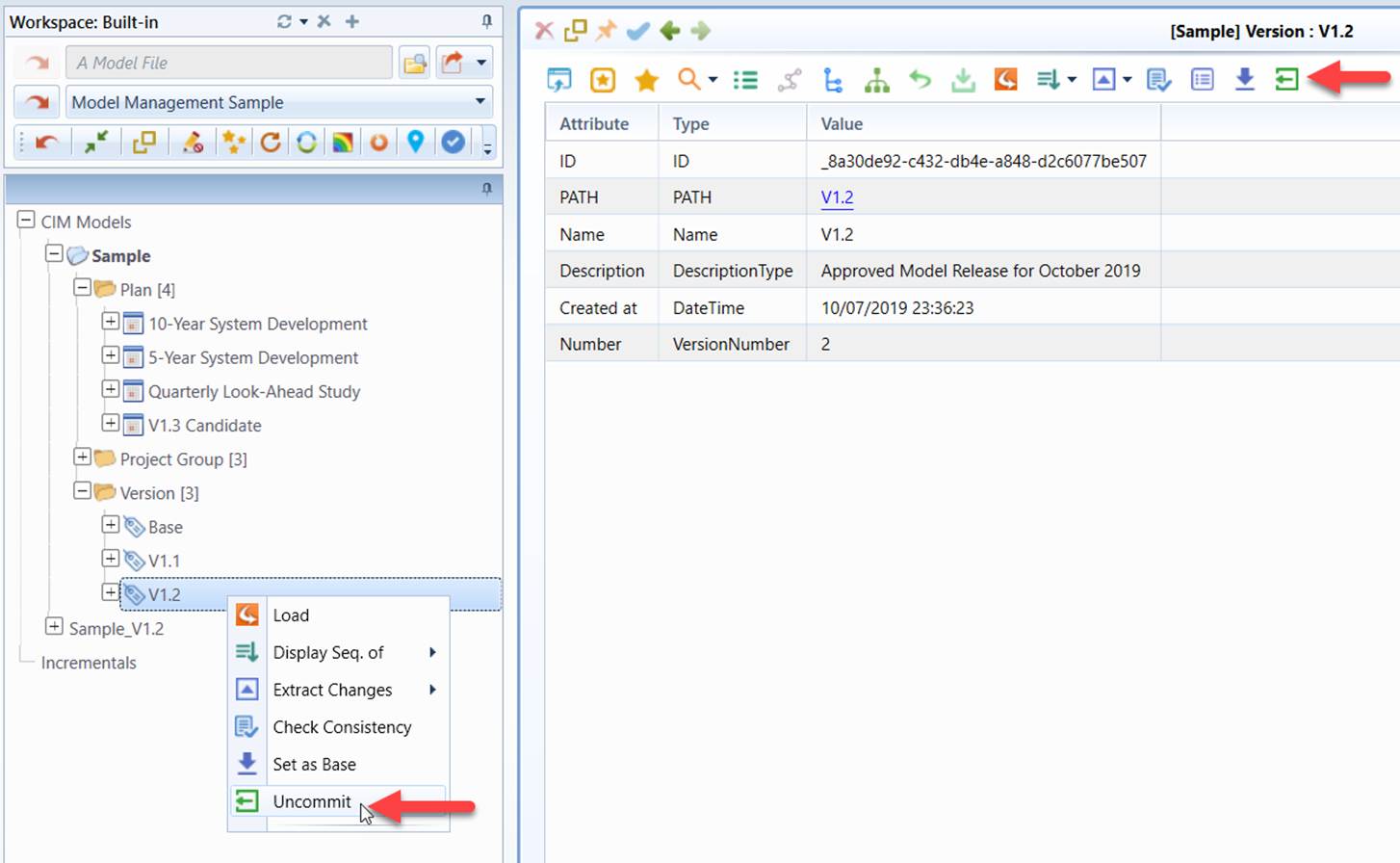
Rebasing Version
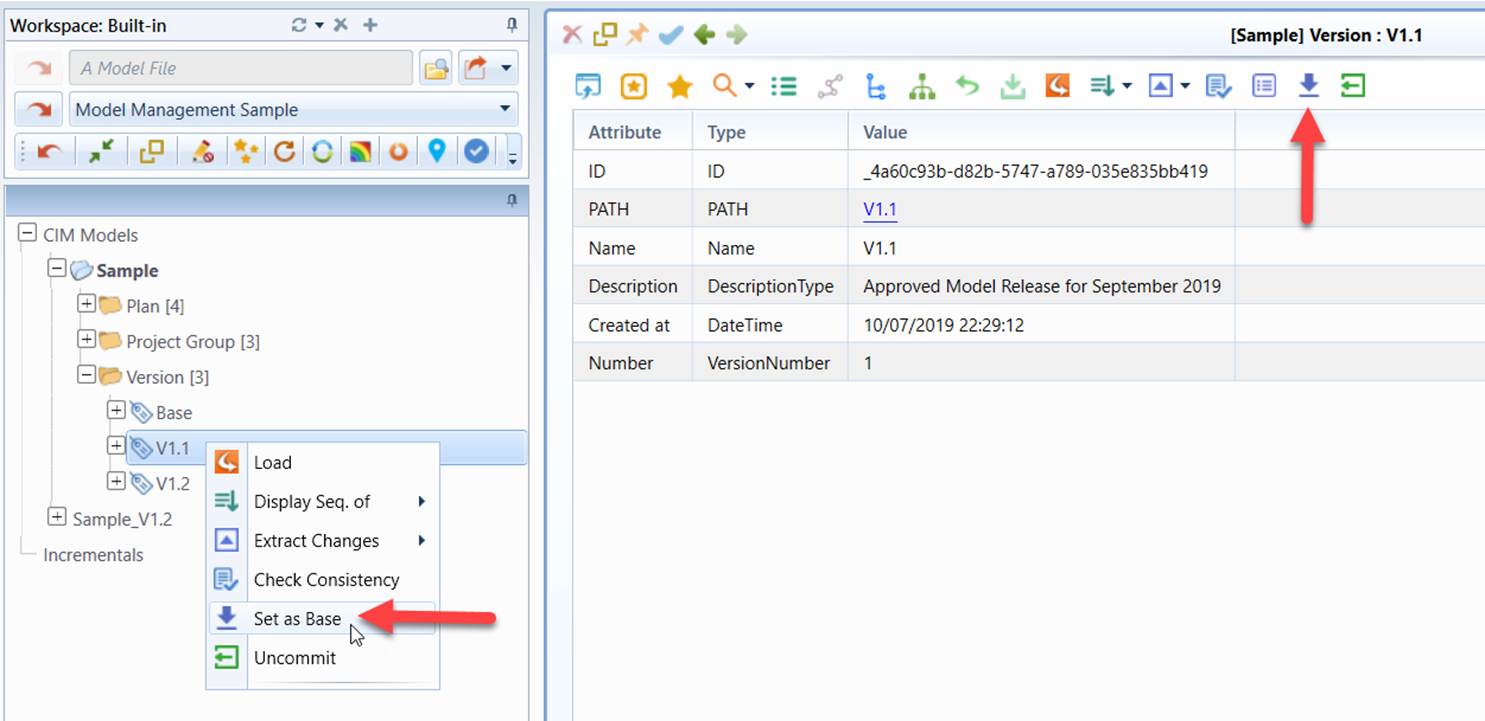
As the managed model evolves, more Versions are created. These Versions are the past model releases. As the Version thread grows, assembling a full model may take long time, since all of the past model changes have to be applied sequentially on the top of the base model. Rebasing Version shortens the Version thread and improves performance of model assembling.
Any Versions that are not the base Version and the most recent Version can be potentially set as new Base Version. A Version can't be set as new Base if there is at least one Plan based on earlier Versions. The new base model is assembled by applying all of the Committed Change Sets of the earlier Versions sequentially on the top of the existing base model. Once a Version is set as new Base, all of the earlier Versions and the associated Committed Change Sets will be permanently deleted.
It is highly commented that users archive the existing Model Depository prior to Version Rebasing. For file-based Model Depository, the existing Model Depository folder shall be zipped. For database Model Depository, the corresponding RDBMS provides its own database archiving functionality.