Renaming Models
When users loaded a model from a file, the Tool will initially assign a name to the loaded model using the file name. The loaded models, full or incremental, can be renamed later by users. However, the new name must be unique within the working space.
To rename a loaded model:
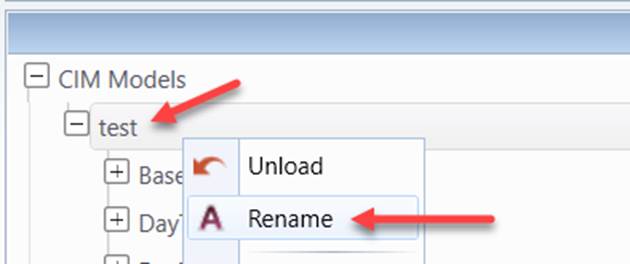
- Right-mouse-click the selected model in the model navigation tree to invoke a context menu. Select “Rename” menu item
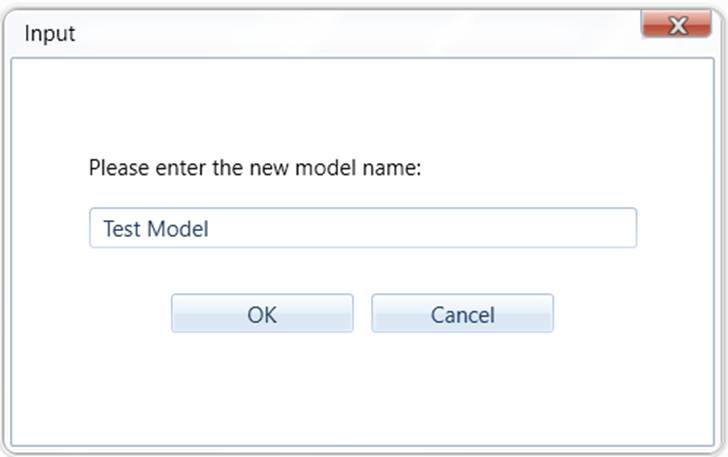
- Users will be prompted to enter a new model name. Enter the new model name and click “OK” button.
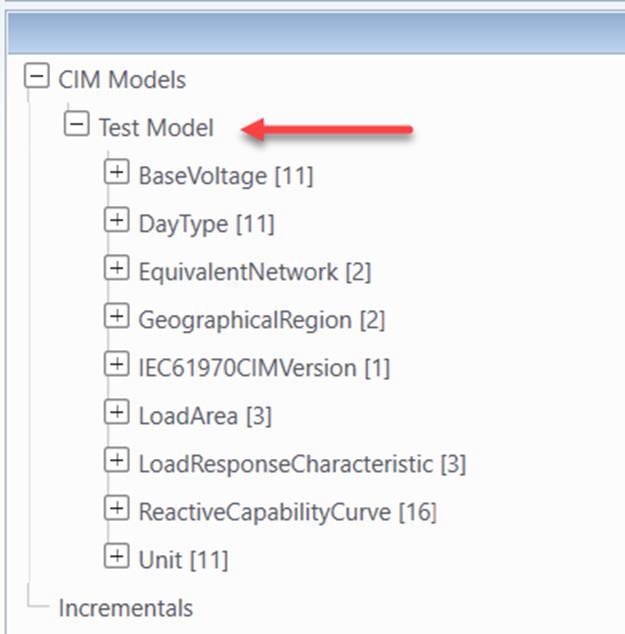
- The model name will be changed if the entered model name is unique in the working space. Otherwise, users will be prompted to enter a new name.