Labeling a Draft Version
When a milestone of model evolution is reached, it is time to label a draft version. Labeling a draft version not only seals the model and makes it not changeable, it provides a starting point for future modeling work.
Label a Draft Version
Label a draft version can only be achieved from the Model Admin Page.
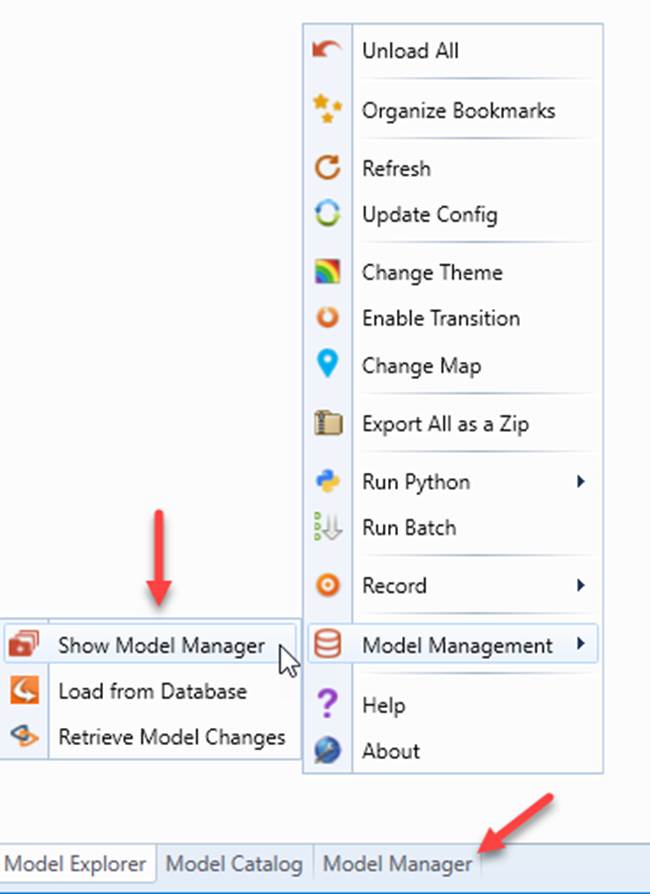
- Navigate to Model Admin Page.
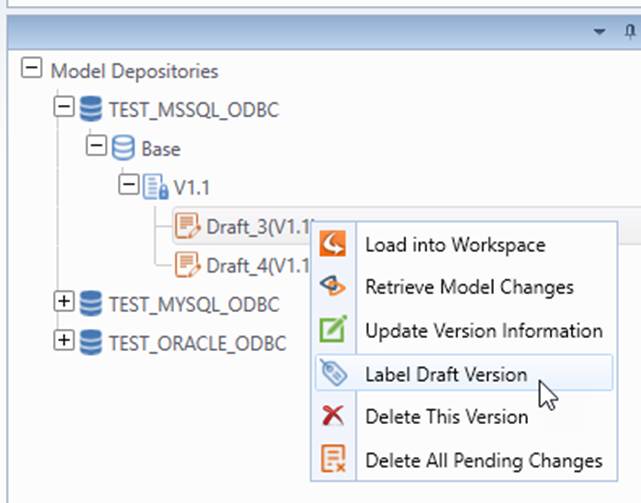
- Right click the draft version on the version tree. Select Label Draft Version from the context menu.
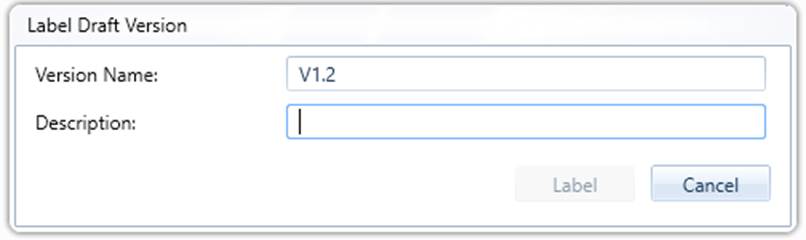
- A popup display appears for users to enter the version name and description. Click Label button after the text boxes are filled.
- If the draft version contains pending changes, users will be informed.
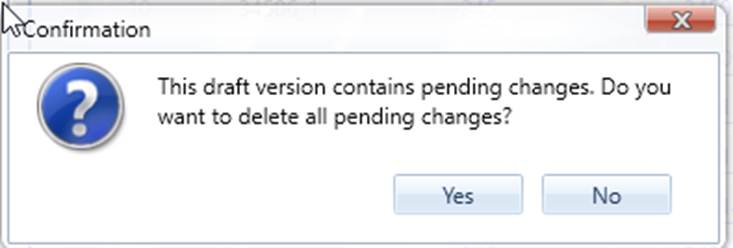
Users can click OK to continue. By doing that, all pending changes are removed automatically before version is labeled.
Users can also click Cancel to stop the labeling. After submitting the pending changes, users can repeat from step 1 to label the version again.
Next Step
A labeled version or draft version can be updated or deleted.