Partition of an Assembled Model
This function is a reverse engineering of Assembling of Data Groups. It allows users to split an assembled model into different data groups, each governed by a profile.
Hands-on
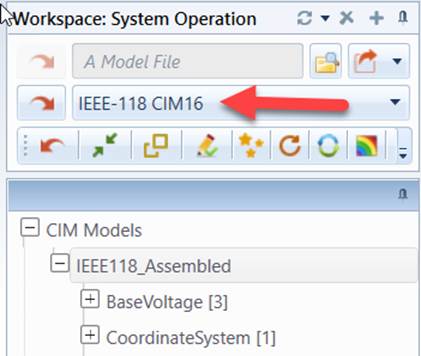
- Load IEEE-18 CIM16 from the data source dropdown
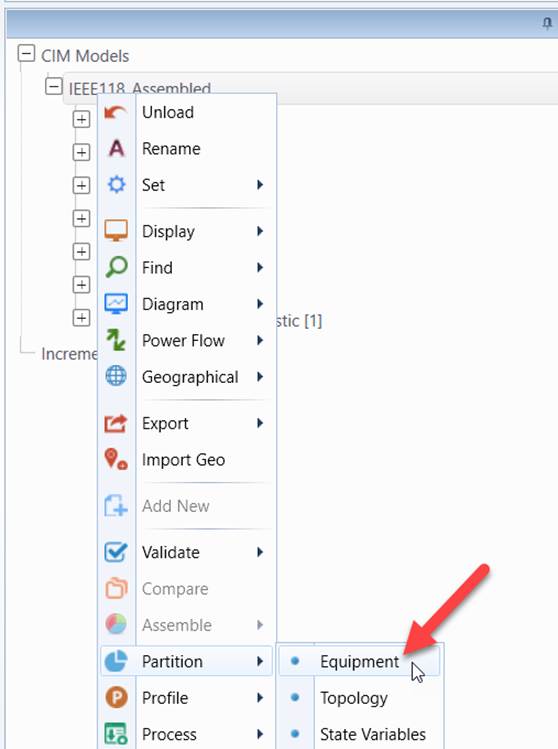
- Right-mouse click the tree item associated with the assembled model to invoke a context menu. Select which data group you want to generate. The Tool has a built-in mechanism to detect the data groups that an assembled model contains.
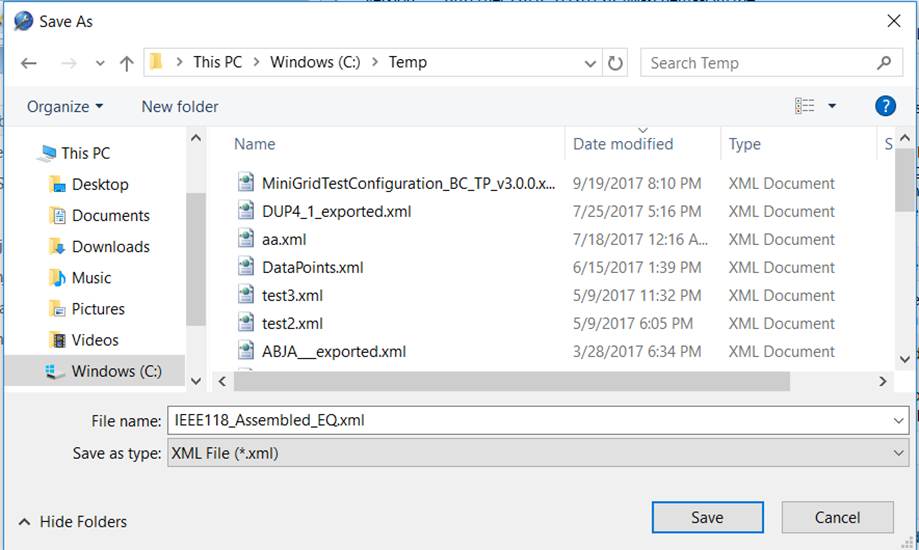
- Specify the file path where you want to store the CIM/XML file to be generated.
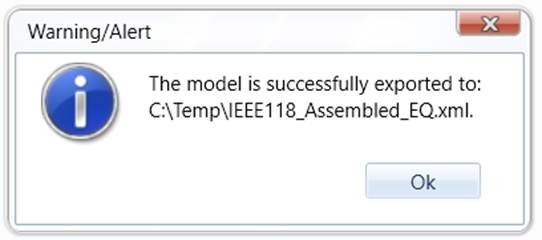
- During the model partition process, UI will be locked for any activities. Once the process is completed, users will be informed of the status.
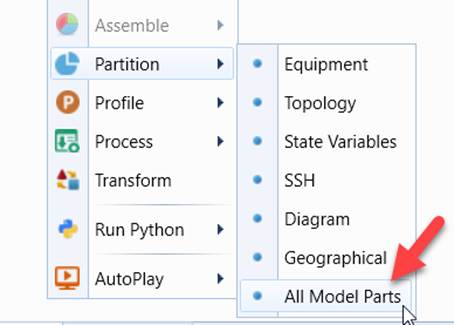
All Model Parts
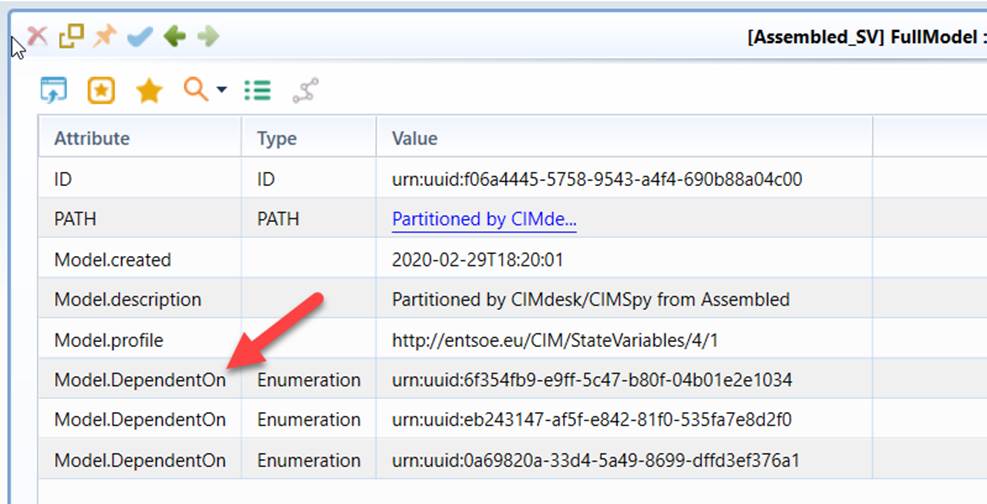
When model parts are individually partitioned, dependencies among model parts can’t be set. The Tool provides a feature partitioning all of the model parts together. When all model parts are partitioned together, the Tool is able to set the model dependency among the partitioned model parts.
Consolidated EQ
In CIM17/CGMES 3.0, Operation and Short Circuit modeling information is separated from EQ Core and included in separate profiles. The Tool supports
- Individual EQ parts: Core, Operation, and Short Circuit
- Consolidated EQ
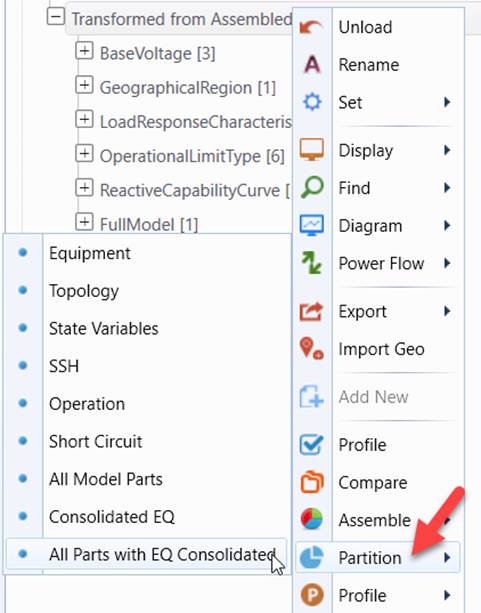
A Consolidated EQ is an assembled model combing EQ Core, Operation or/and Short Circuit. It is a complete data set that represents a physical network model. A Consolidated EQ is treated as a traditional EQ in the Tool. An assembled model can be partitioned as
- either “All Model Parts” with Core, Operation, and Short Circuit as individual model parts
- Or “All Model Parts with EQ Consolidated”
Limitations
- The model partition process is governed by the profile. Each data group is specified by a profile. The profile specifies the classes and the corresponding attributes/associations. The Tool relies on this specification to partition an assembled model into different data groups. If the same class is specified in multiple profiles, you will find that the partitioned data groups contain the duplicate modeling entities. In that case, you may find that the partitioned data groups may be a little different from the original used to create the assembled models. This is just one of the typical limitations of a reverse-engineering.
- If your model contain the CIM extensions and the extended classes/properties are not specified in the governing profiles, these partitioned partial CIM/XML files will not include these extended classes/properties. Therefore, if you assemble the partitioned CIM/XML files, the assembled file may not be identical to the original file. In other words, the CIM extensions will be lost during this round-trip. To keep the CIM extensions, users must extend CIM profiles.