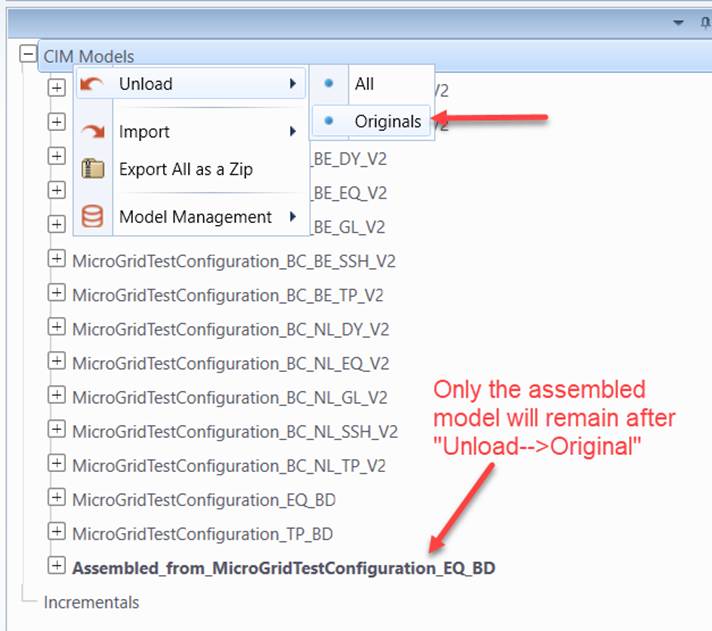
Unloading Models
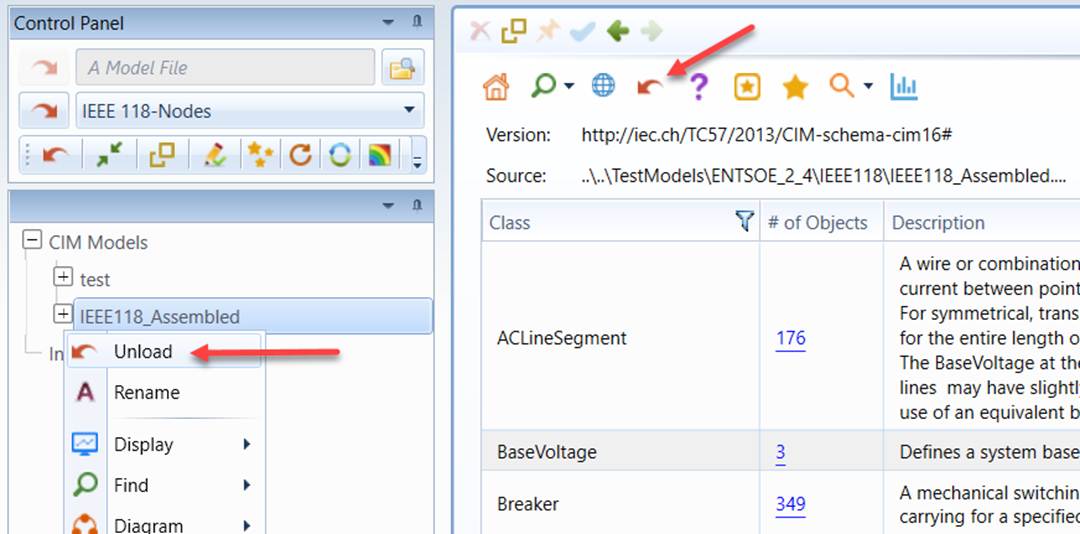
The loaded CIM or Incremental models can also be removed from the Tool. Users normally invoke this function in order to focus on a specific model, for example the merged model. This is accomplished through a model unloading process. Users can choose to
- Unload a selected full model or a selected Incremental model
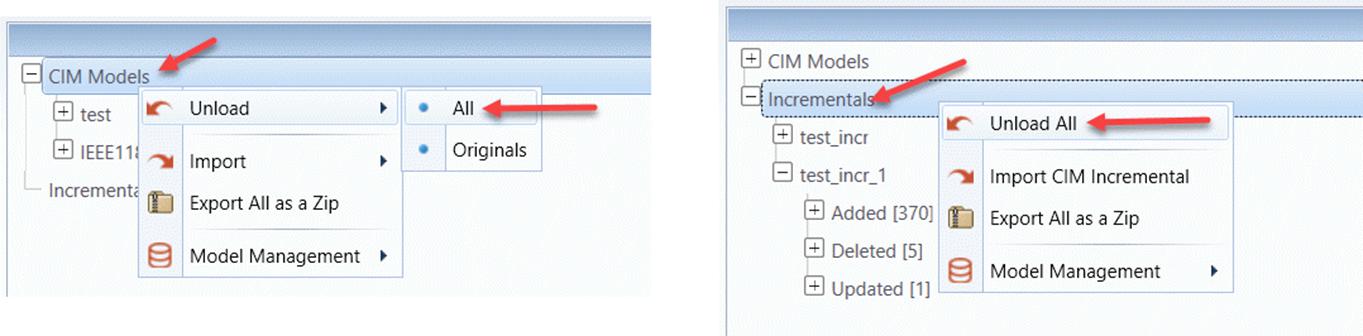
- Unload all loaded full models or all loaded Incremental models
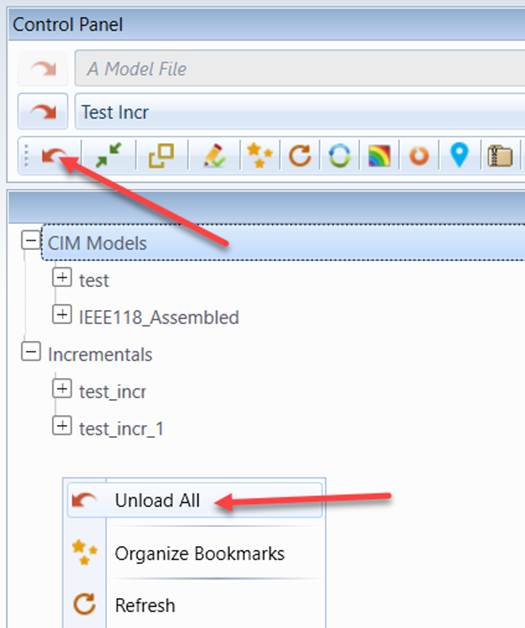
- Unload all loaded full models and all loaded Incremental models
- Unload the ‘original’ CIM models that are used for model merging, but keep the merged models