Case Study 2: Converting CIM 14 to CIM 16
This case study is to demonstrate how MTF can be leveraged to support CIM version conversion. The goal is to convert a node/breaker model from CIM 14 to CIM 16.
Hands-on
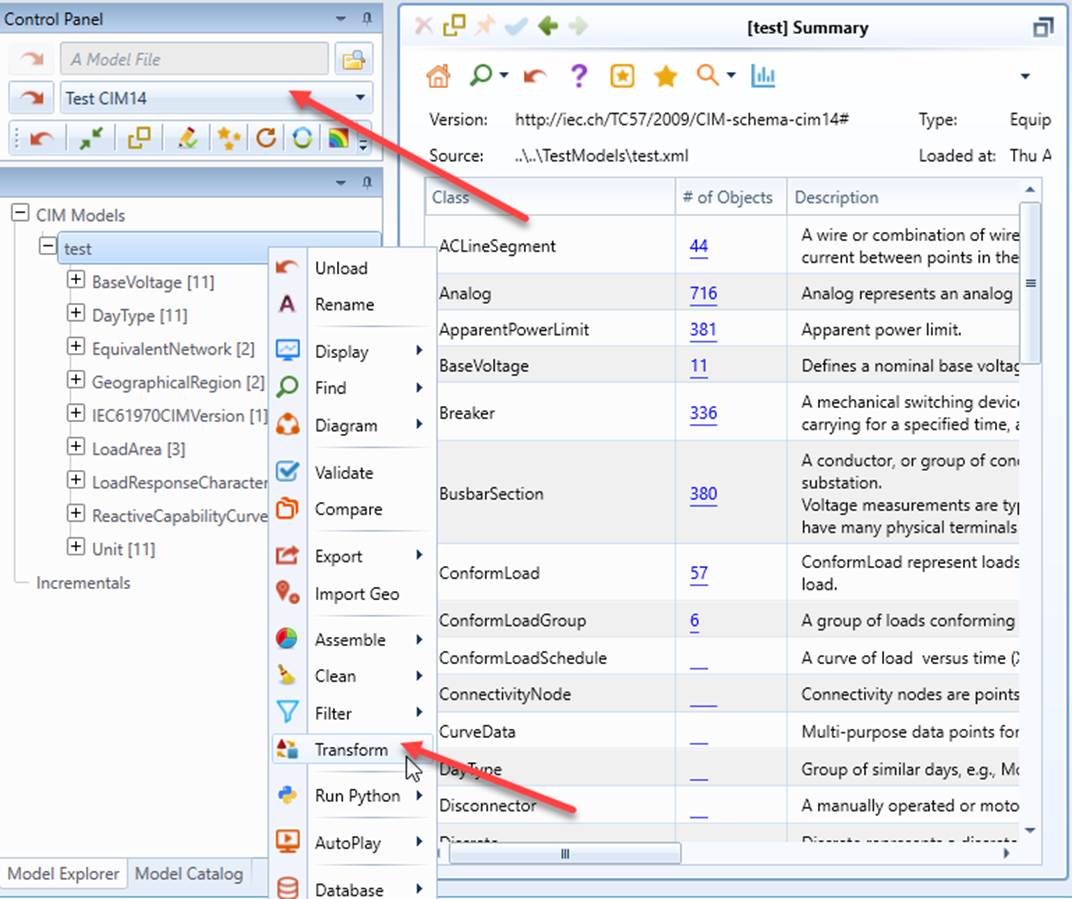
- Load “Test CIM14” from the drop-down list and invoke the Transformation function from the context menu associated with the loaded model.
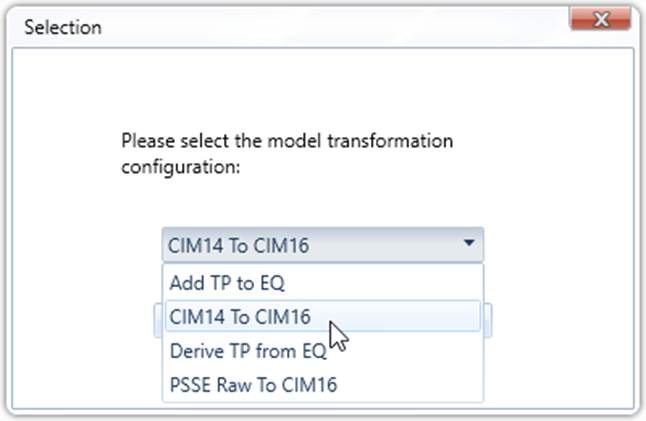
- A popup will appear, displaying all of the transformation configurations defined in the configuration file. Select “CIM14 To CIM16” from the drop-down list, and then click OK to invoke the model transformation process.
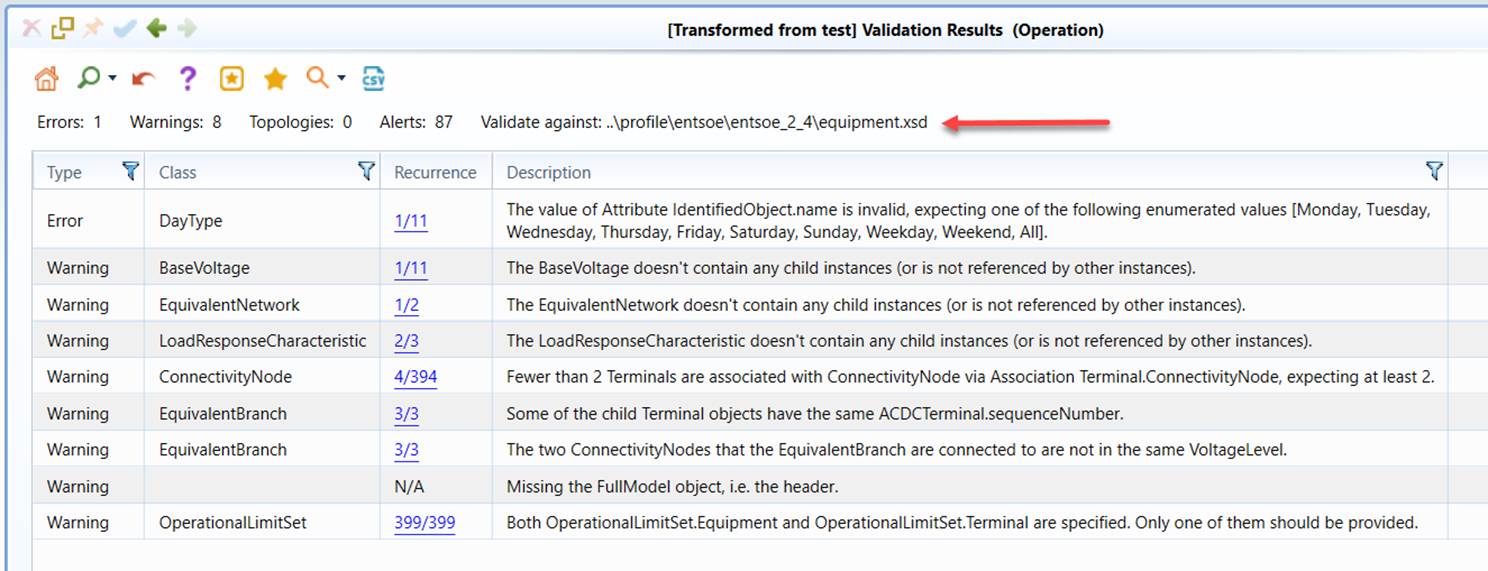
- After the transformation process is completed, a CIM-16 based model converted from CIM 14 version is created. Run the validation.
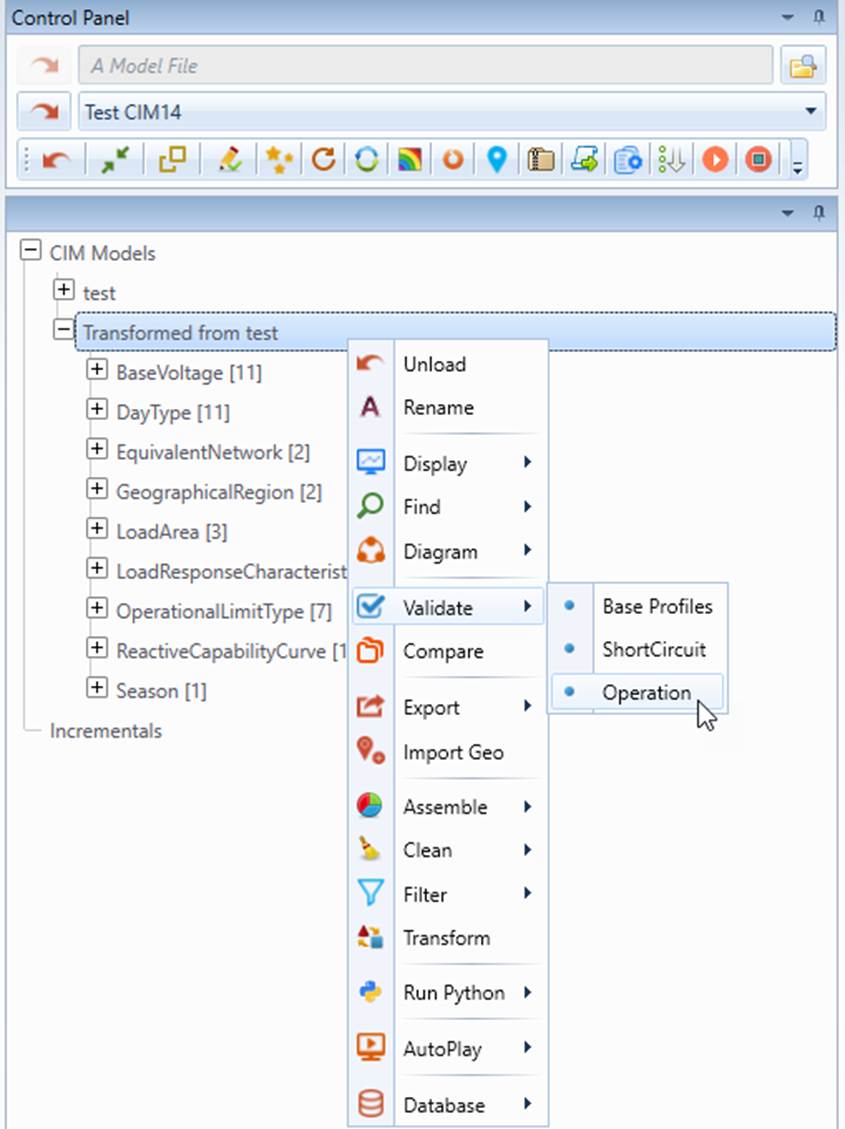
- Check the validation report. You will find that all of the errors/warnings are inherited from the source model. But the model is validated against the CIM 16 based profile. Perform a few spot checks to verify whether the MRIDs or rdf:IDs are retained.
In-depth Look
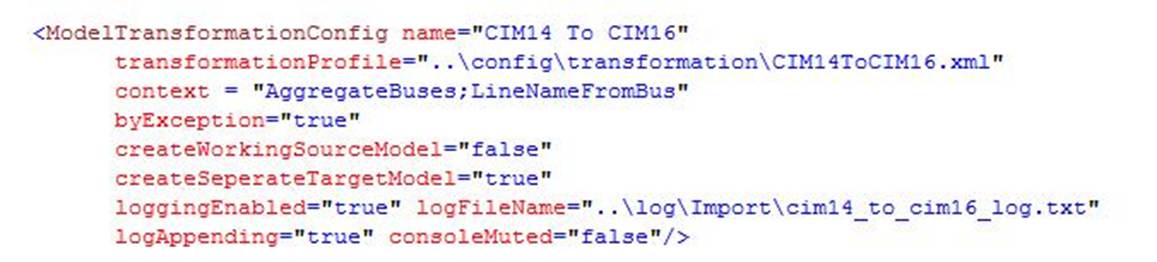
The model transformation configuration used for CIM14 to CIM16 conversion is shown below. The model transformation process is governed by a transformation profile defined in file CIM14ToCIM16.xml. Since the source model will not be manipulated during the version conversion, attribute createWorkingSourceModel is set to ‘false’, meaning using the source model directly. It is important to note that when by-exception model transformation is applied, only model difference between versions will be specified in the transmission profile. In this mode, the transformation engine assumes any undeclared class/properties are the same for two versions
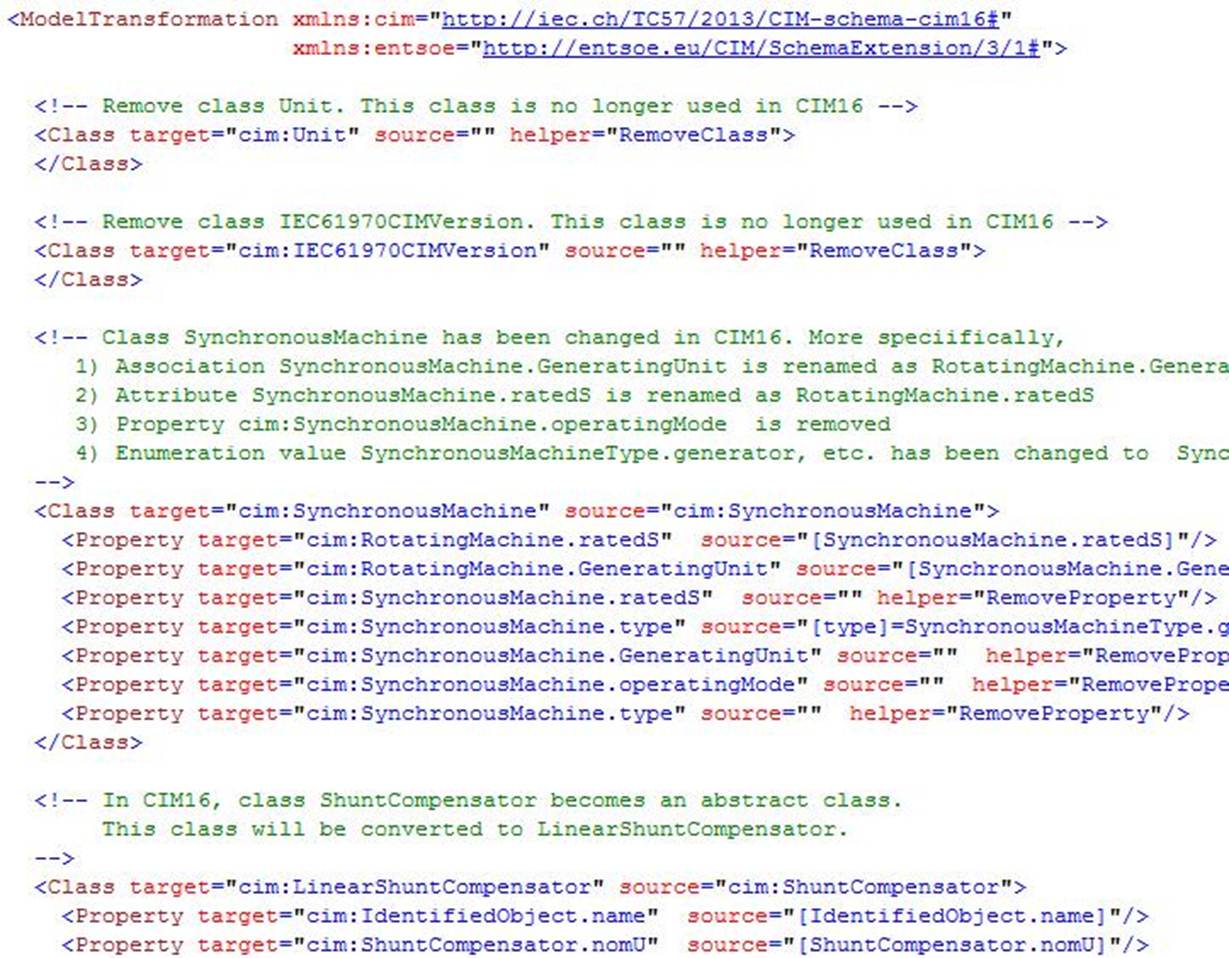
The following shows a few sections of mappings defined in transformation profile, i.e. CIM14ToCIM16.xml. As commented in each section, this transformation profile is defined to add/delete/update CIM 14 classes/properties so that the transformed target model conforms to CIM 16.