Retrieving Model
Model Administration Meta-Model is designed to model changes over time. A full model can be retrieved for at each model evolution milestone (i.e. Change Set and Plan/Version).The retrieved full model is either used for model release or for quality assurance (QA). Any changes made for a disconnected model will not be saved into the Model Depository. The retrieved model is a snapshot of the model evolution. It is a disconnected model, meaning that the retrieved full model is not connected to the Model Depository.
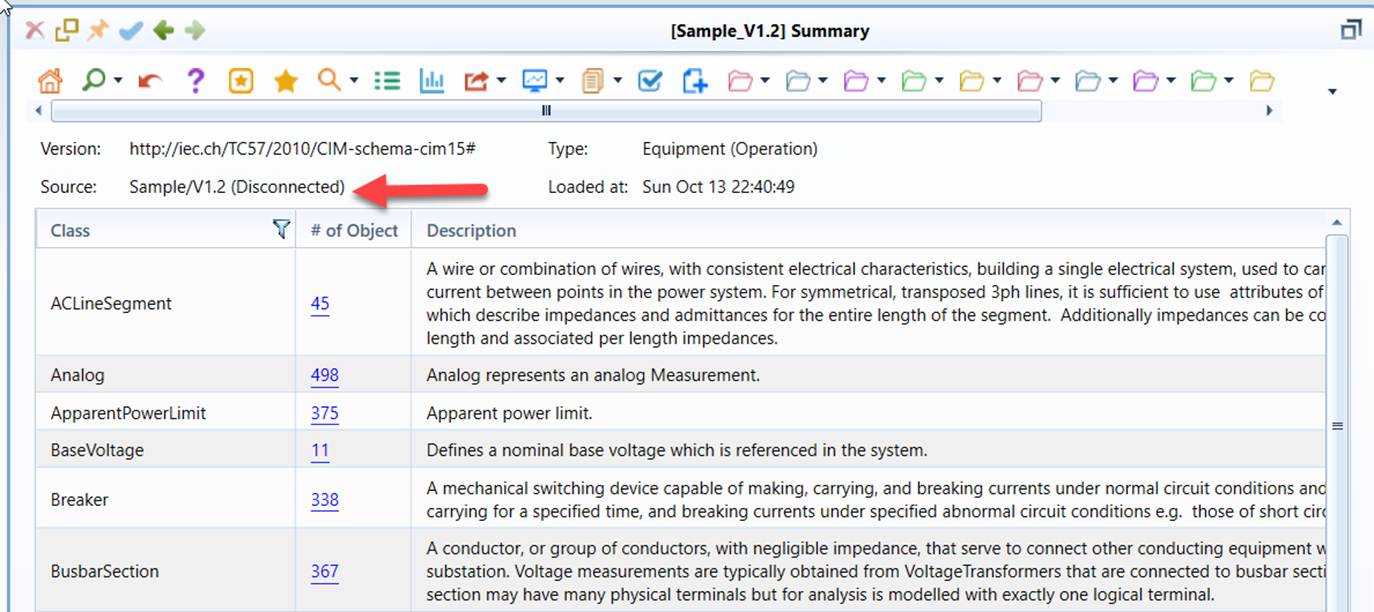
Model can be retrieved at each model evolution path by simply loading the represented full model into the workspace, as illustrated below.
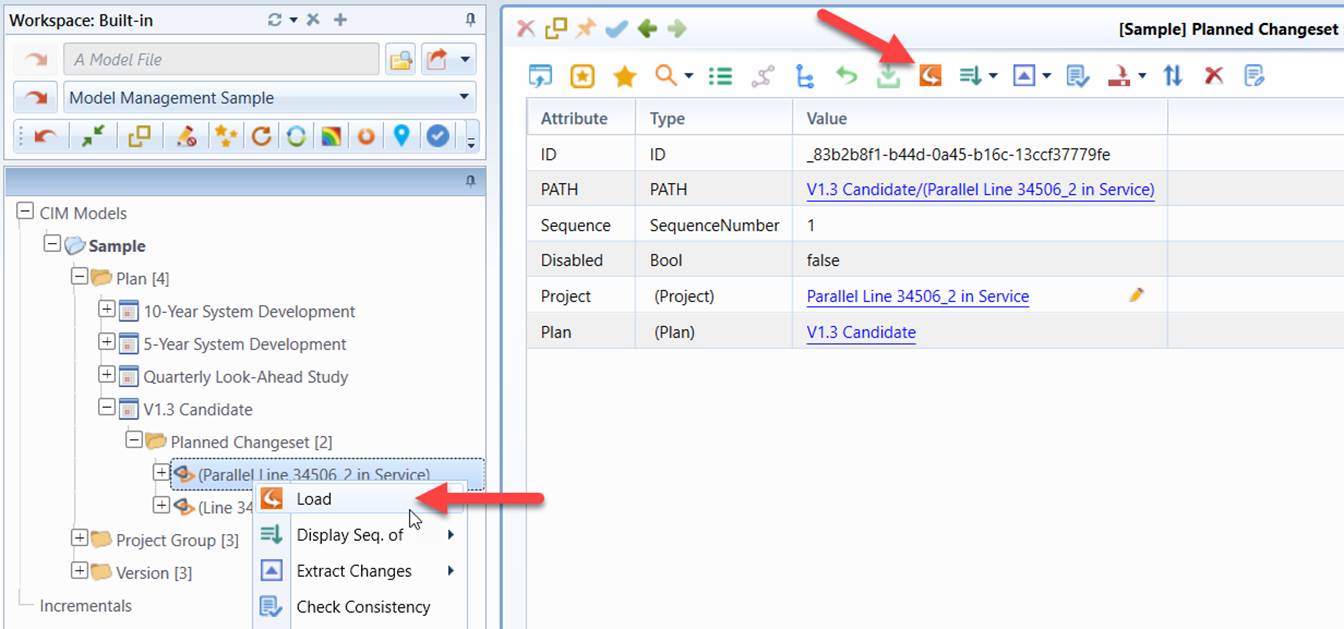
The “Load” command can be invoked for each Planned Change Set, Committed Change Set, Version, and Plan. The retrieved model is dynamically assembled by applying the Projects along the corresponding model evolution path sequentially to the root, i.e. the base Version. For Change Sets, the retrieved model include the Project it represents and all of the precedent Projects along the model evolution path. For Plans/Versions, the retrieved model includes all of the Projects the Plan/Version contains and all of the precedent Projects along the model evolution path.